Invoice corrections
Create credit notes and cancellations
A wrong or excessive invoice is not overwritten but corrected. Billance builds credit notes and cancellations out of the existing invoice, carries the original data over and keeps both records connected through the document chain.
At a glance
- Modes
- Credit note and cancellation
- Reference
- Points to the original invoice
- Output
- E-invoice or PDF
- Plan
- Premium
Credit note or cancellation: which one when?
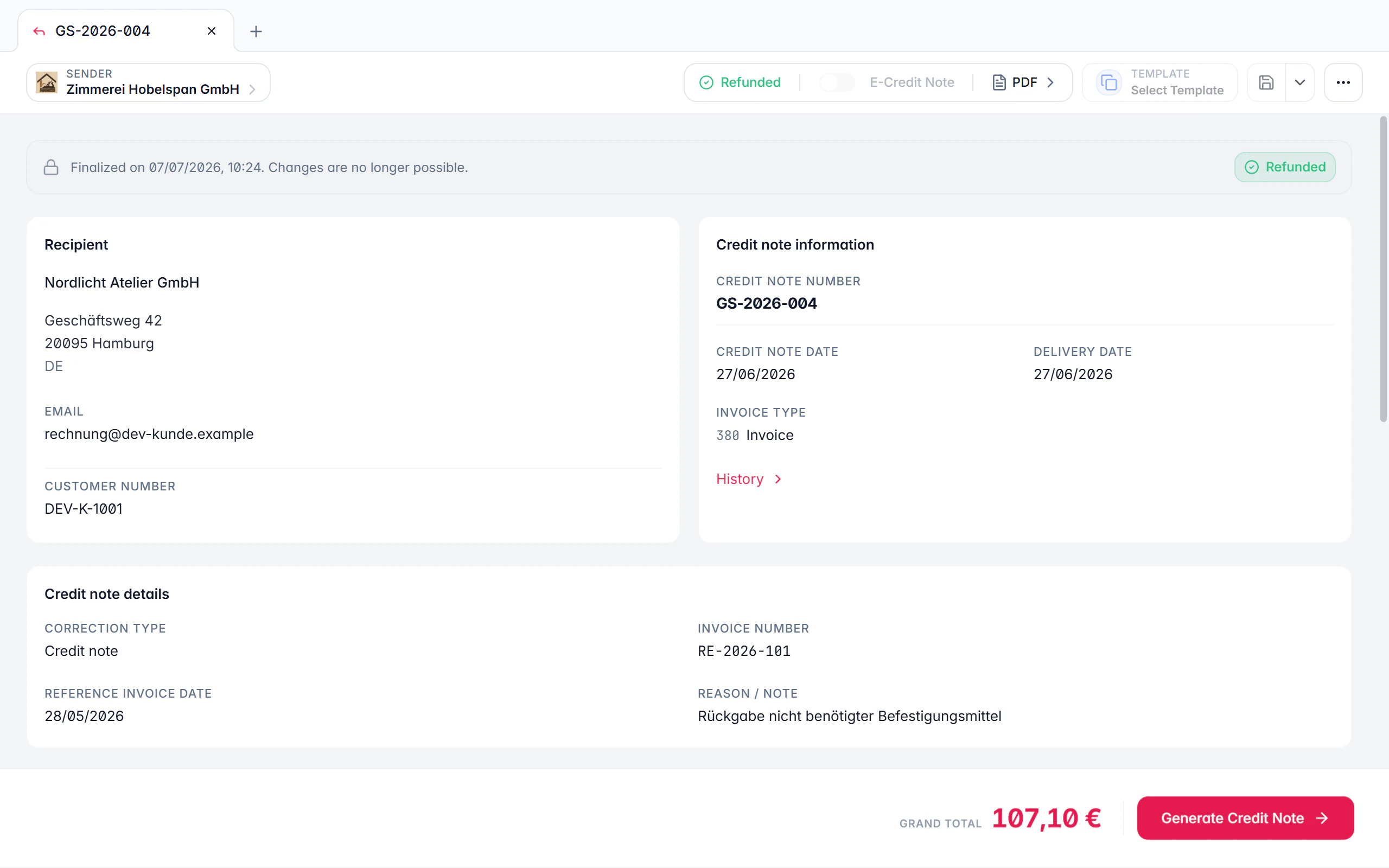
Both corrections use the same “credit note / cancellation” document type in Billance but behave differently. A credit note reduces an invoice fully or in part: you carry line items and quantities over from the original and adjust what is actually credited. A cancellation voids the original invoice entirely; Billance carries the source data over, sets the matching correction type and links the cancellation to the invoice it voids.
Because a finalized invoice must not be altered, a correction is the only proper route. The link stays traceable: the correction names the number and date of the original invoice, and the document chain shows in both directions what belongs together.
If the original invoice was structured, the correction can be produced as an e-invoice too. It then uses the matching invoice type codes and carries the reference to the preceding invoice in the record, which is what an invoice intake expects for a correction.
How to correct an invoice
Open the original invoice
The correction starts on the finalized invoice, so the reference is set from the beginning instead of being typed in by hand.
Choose the mode
A credit note for a partial or full reduction, a cancellation to void the source document entirely.
Define the scope
For a credit note you decide which line items and quantities carry over. If the original invoice was settled with a discount, the correction flow takes the amount actually paid into account.
Add the reason
A correction reason keeps it traceable later why the credit note exists, for you as well as your accountant and the recipient.
Finalize and output
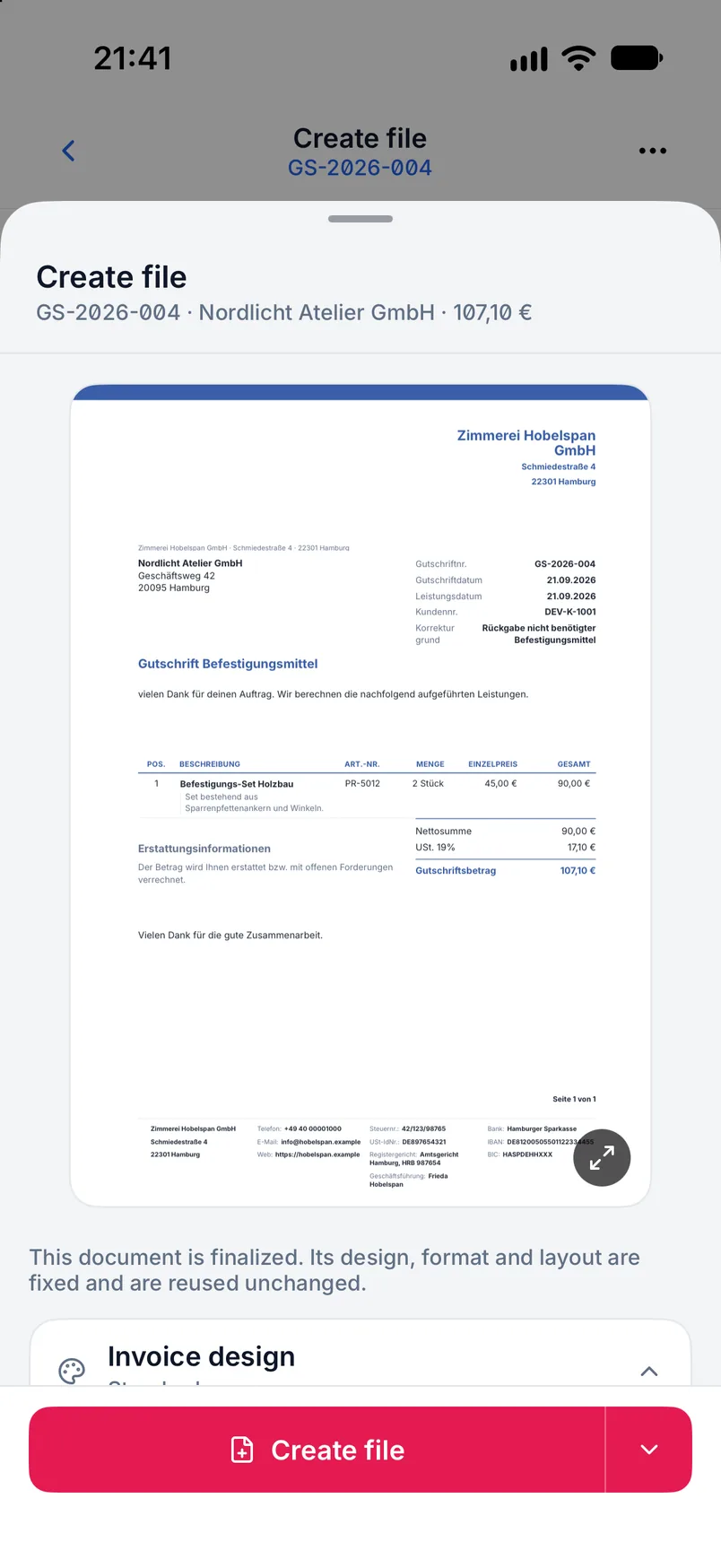
The correction takes its number from its own number range and is produced as an e-invoice or PDF. Check the generated file before you send it.
What the correction flow does
Two modes, one document type
Credit note and cancellation share number range, templates and design but behave differently in substance.
Adjust line items and quantities
A partial credit note carries over only what is actually credited: single line items, reduced quantities or changed amounts.
Discounts are taken into account
If the original invoice was settled with a discount, the correction flow works from the amount actually paid instead of the gross total.
Reference to the original invoice
Number and date of the corrected invoice appear on the document and, in an e-invoice, also as a reference inside the structured record.
Matching invoice type codes
The correction is produced with the type code the standard defines for a correction, so the recipient processes it correctly.
Document chain in both directions
You get from the invoice to the correction and back; an existing active successor is opened rather than duplicated.
Own templates and texts
Credit notes and cancellations have their own document, text and design templates so the tone fits the occasion.
Validation like any e-invoice
The generated file can be checked against EN 16931 and the detected profiles with the same validator as a normal invoice.
On desktop and in the app
Both applications produce corrections with the same modes and the same reference.
In the desktop app
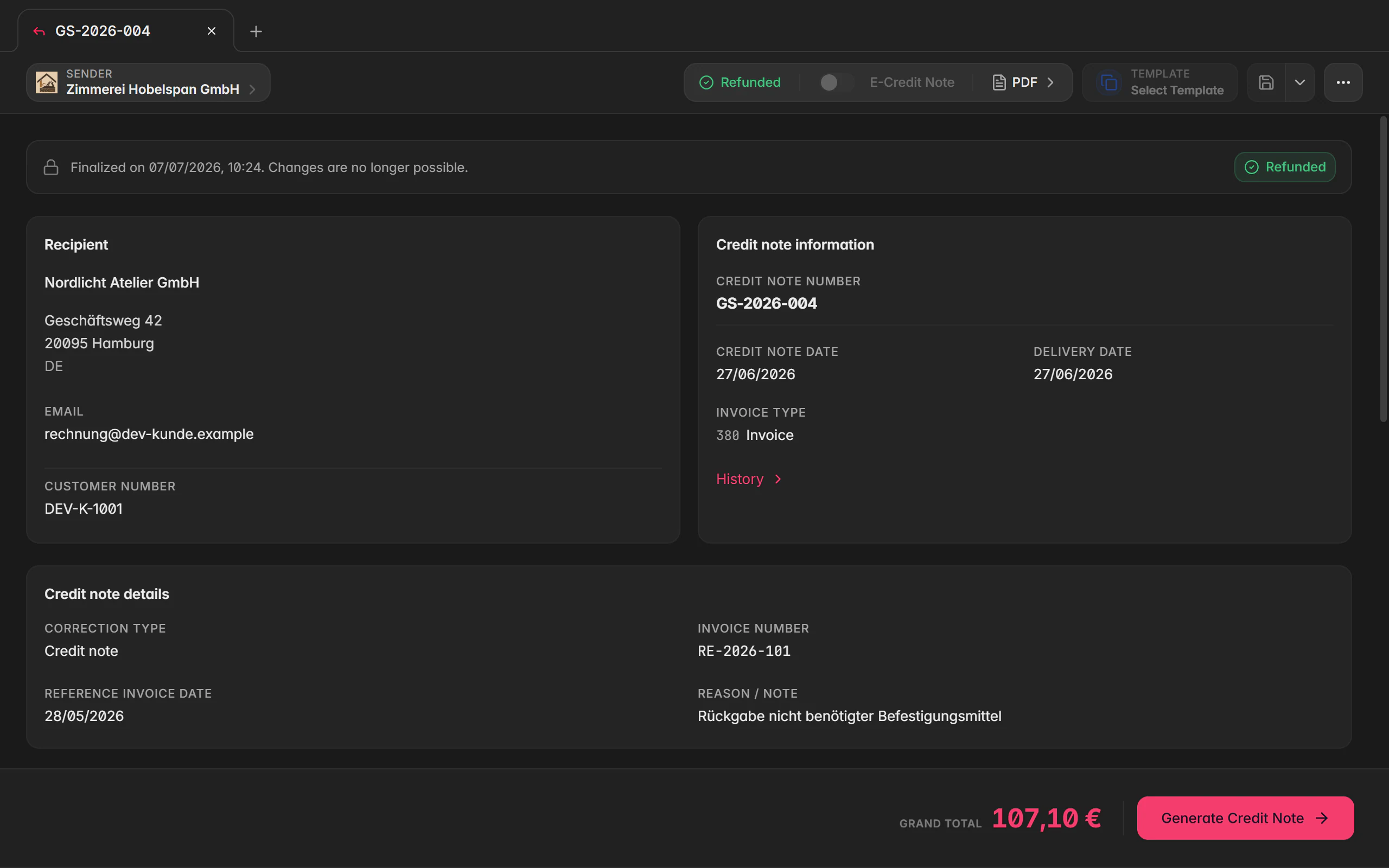
Open a finalized invoice and choose Create credit note or Cancel from the action menu. The correction draft opens in a new tab next to the source invoice; the same actions live in the right-click menu of the document manager.
In the mobile app
In the app you open the document details of a finalized invoice and choose the correction from the action menu. The mobile flow asks for mode and scope and then opens the correction draft as its own page.
Free or Premium
On the free plan
The free plan covers writing invoices. Credit notes and cancellations are advanced document types and are not included there.
With Billance Premium
Premium unlocks both correction modes, with their own number range, their own templates, discount handling and e-invoice output.
Frequently asked questions about corrections
A credit note reduces an invoice fully or in part, for example after a return or a price reduction. A cancellation voids the invoice entirely because it should not have been issued that way. Billance covers both through the same document type in two modes.
Read on
Step by step in the help centre
The help articles walk through the same workflow as step-by-step instructions, including all fields, buttons and special cases.
Ready for e‑invoices?
Start with Billance and create your first e-invoices in just a few minutes.