Feature overview
Every Billance feature
Create, validate, and convert e-invoices under EN 16931 in the XRechnung and ZUGFeRD formats – plus quotes, delivery notes, payment reminders, expense receipts, VAT reporting, and DATEV export. All in one application, local-first on your own device.
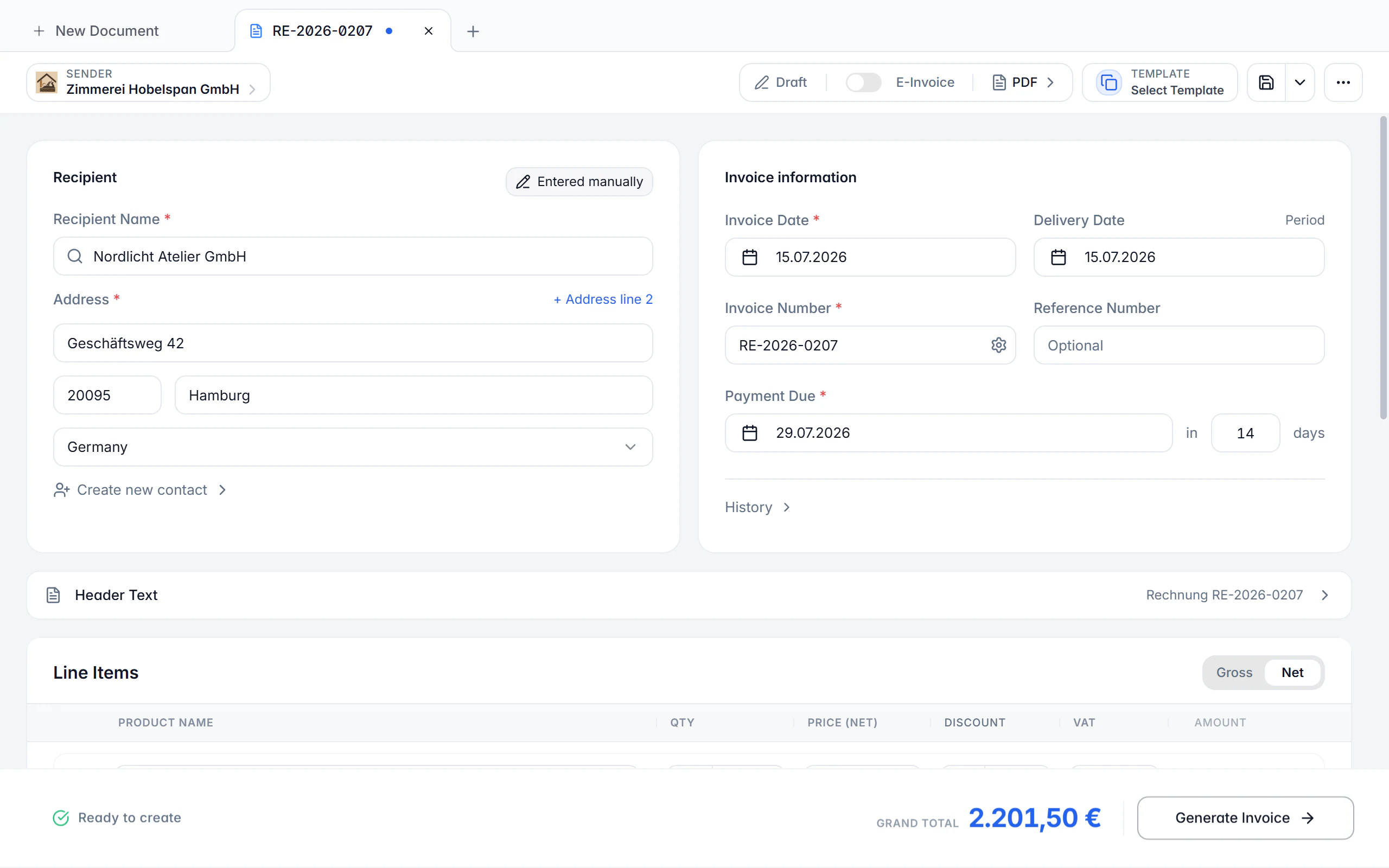
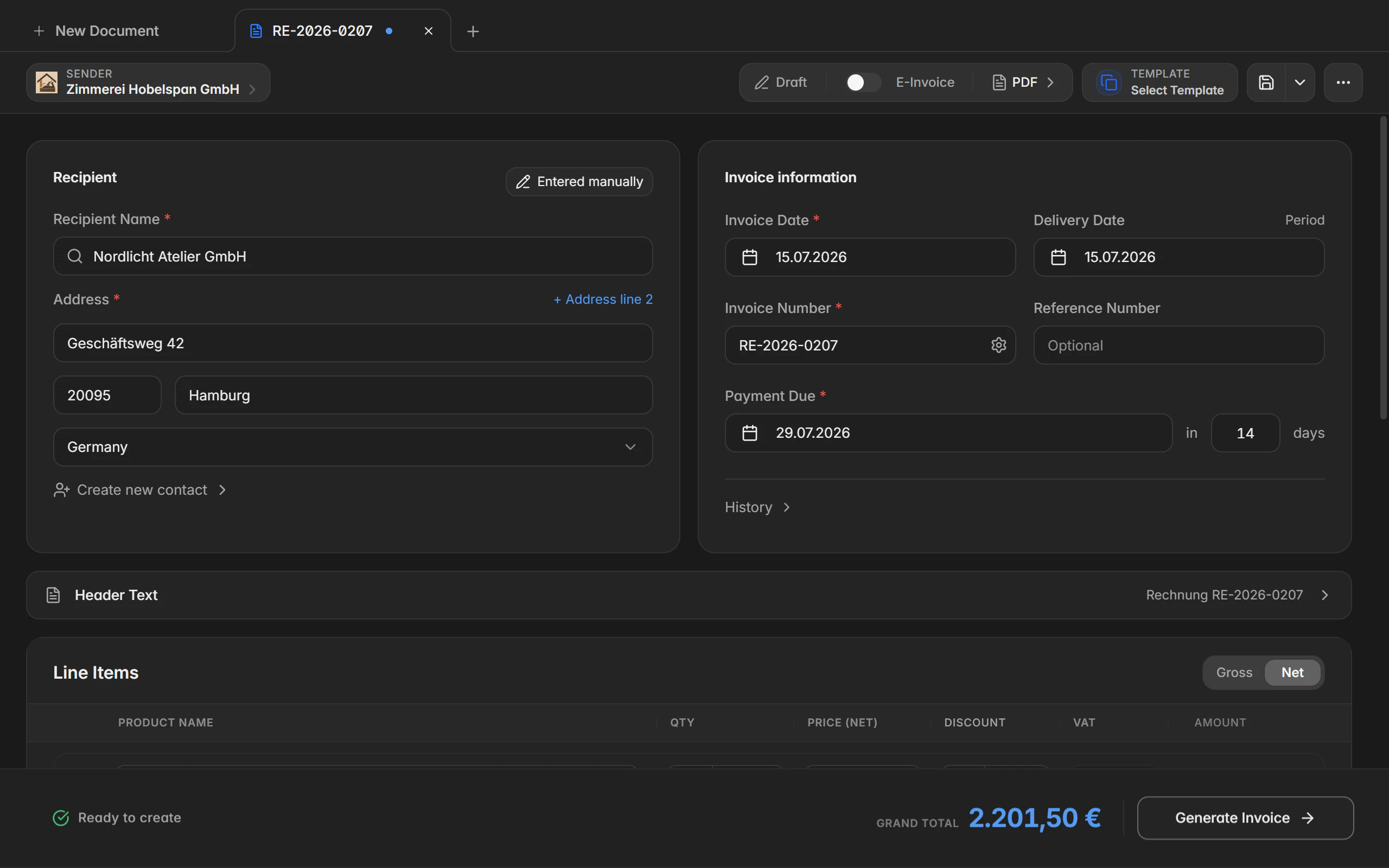
Create e-invoices, quotes and delivery notes in one workflow
Seven document types share the same guided editor: quote, order confirmation, delivery note, invoice, recurring invoice, payment reminder, and credit note or cancellation. The mandatory EN 16931 fields are prepared, tax and totals are calculated per line item, and the formal check runs alongside before you output XRechnung, ZUGFeRD, or a plain PDF.
The app creates the same documents on the go – with a draft list, access to your contacts, and the same e-invoice or PDF output.
What it covers
Seven document types, one chain
An accepted quote becomes an order confirmation, then a delivery note, then the invoice – line items and references carry over instead of being retyped.
Mandatory EN 16931 details
Buyer reference, Leitweg-ID, electronic address, service period, and payment details all have their own fields and are checked before output.
Every common tax case
Standard taxation, the German small business rule under § 19 UStG, reverse charge, intra-community supply, and services outside the EU are all covered.
Discounts, prepayments and rounding
Discount rate and deadline are stored machine-readably; amounts already paid and explicit rounding values keep the outstanding balance correct.
Defaults per recipient
Output format, tax case, payment method, payment term, and design can be stored per contact and are preselected for the next document.
Attachments and your own PDF
Proofs and timesheets travel along as attachments, and your own PDF can serve as the basis of the finished invoice.
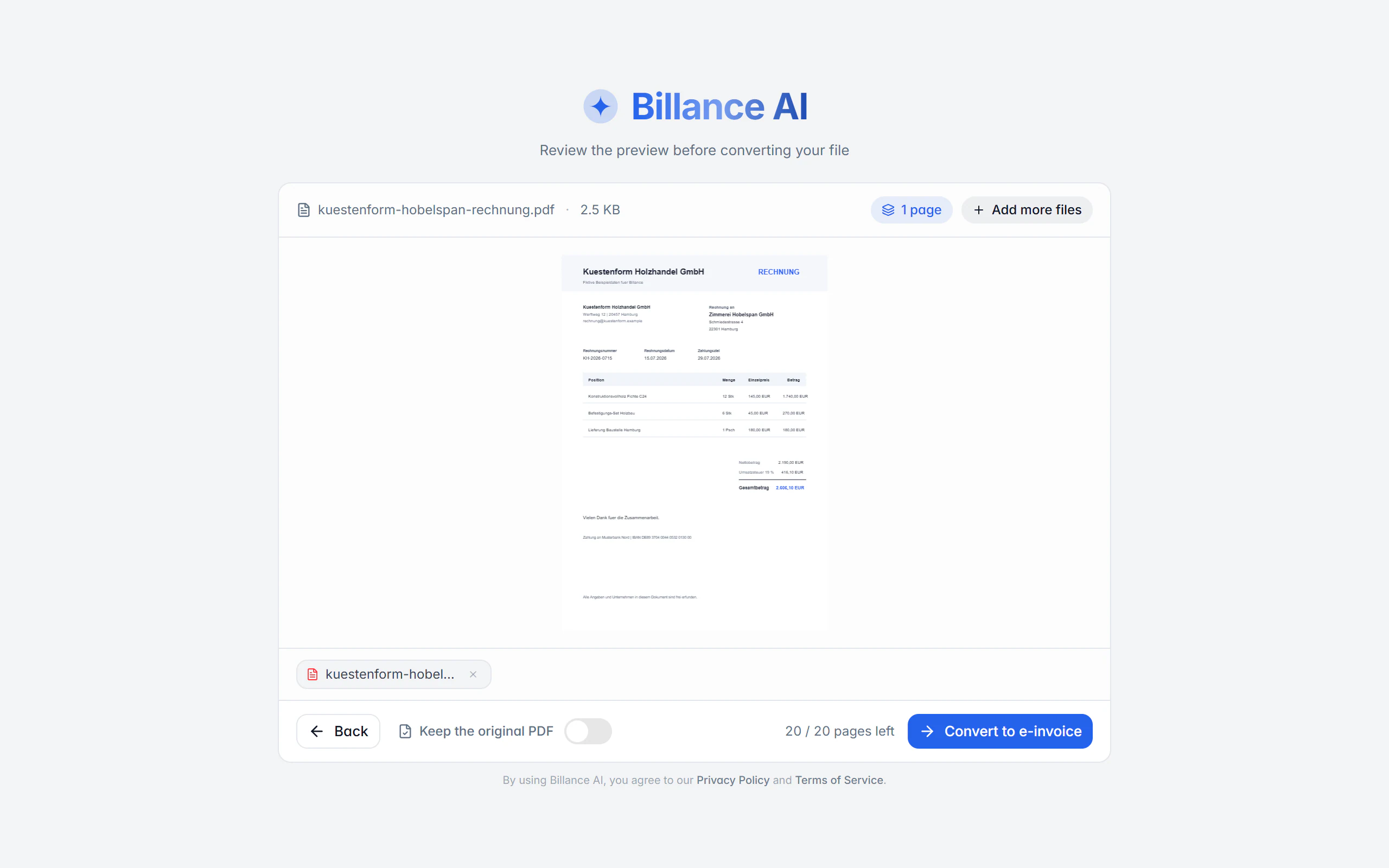
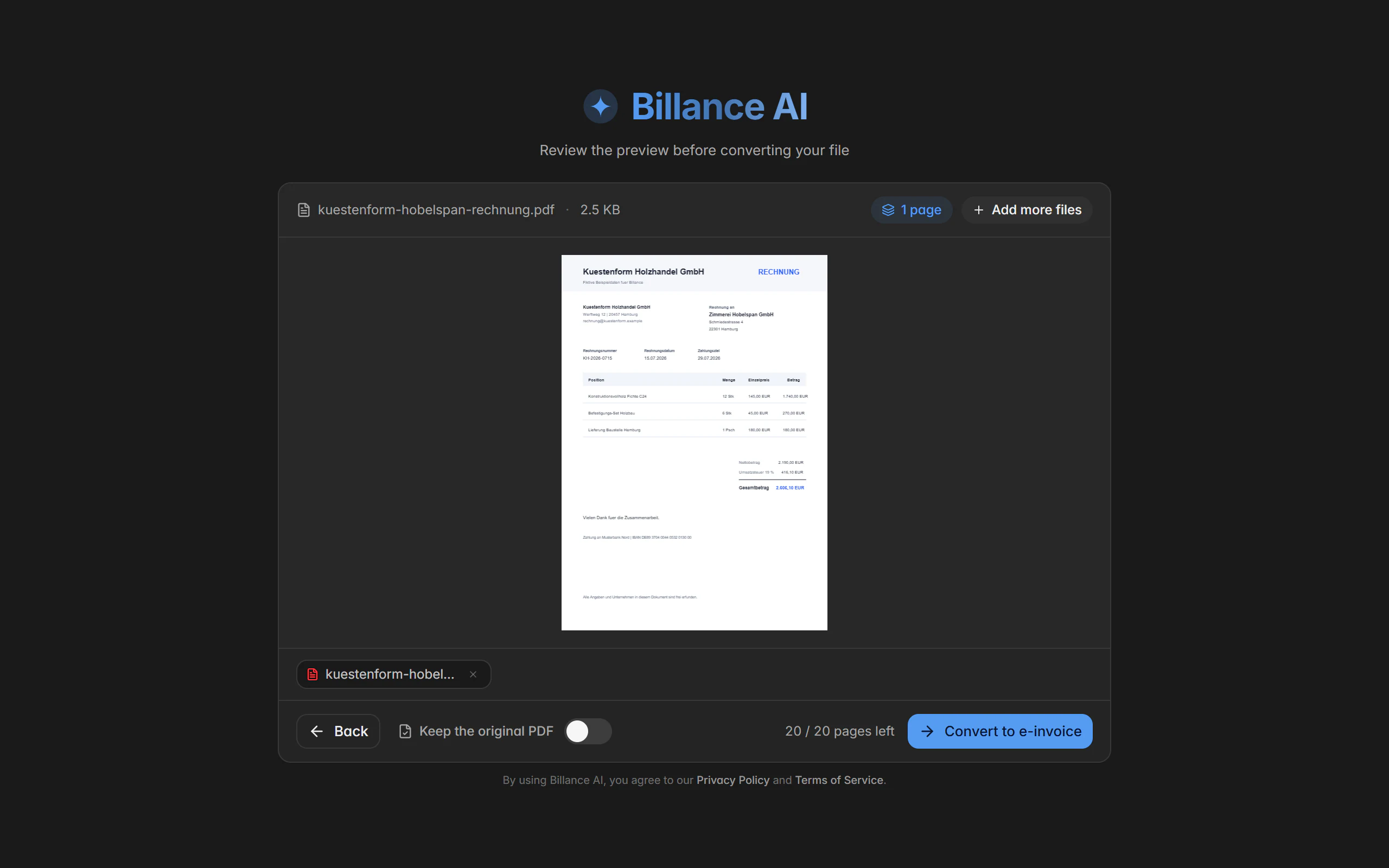
Turn PDF, Office and image invoices into e-invoices
The converter reads existing invoices from PDF, PNG, JPG, WEBP, AVIF, DOCX, ODT, XLSX, and XLSM. Local template recognition runs entirely on your device; the optional Billance AI also handles layouts it has never seen. Either way you review the recognised fields before an XRechnung or ZUGFeRD document is created from them.
In the app you photograph or pick the document, review the recognised values in the form, and carry them into an e-invoice.
What it covers
Local template recognition, no upload
Define the field positions once per layout. The document and its processing stay on your device.
Billance AI for unknown layouts
The optional AI recognition finds amounts, dates, and line items without a template. The online step is clearly marked and explicitly confirmed before it starts.
Pick the pages that matter
For multi-page PDFs you select the relevant pages before they are processed and counted against your quota.
Match against master data
Recognised contacts, products, and payment details can be matched against existing master data and adopted.
Correct instead of trust
Every recognised field stays a suggestion and can be completed or corrected right in the preview.
Output as XRechnung or ZUGFeRD
The reviewed result becomes a full document – either as a plain XML file or as a PDF with embedded XML.
In detail
Organise documents and follow up on payments
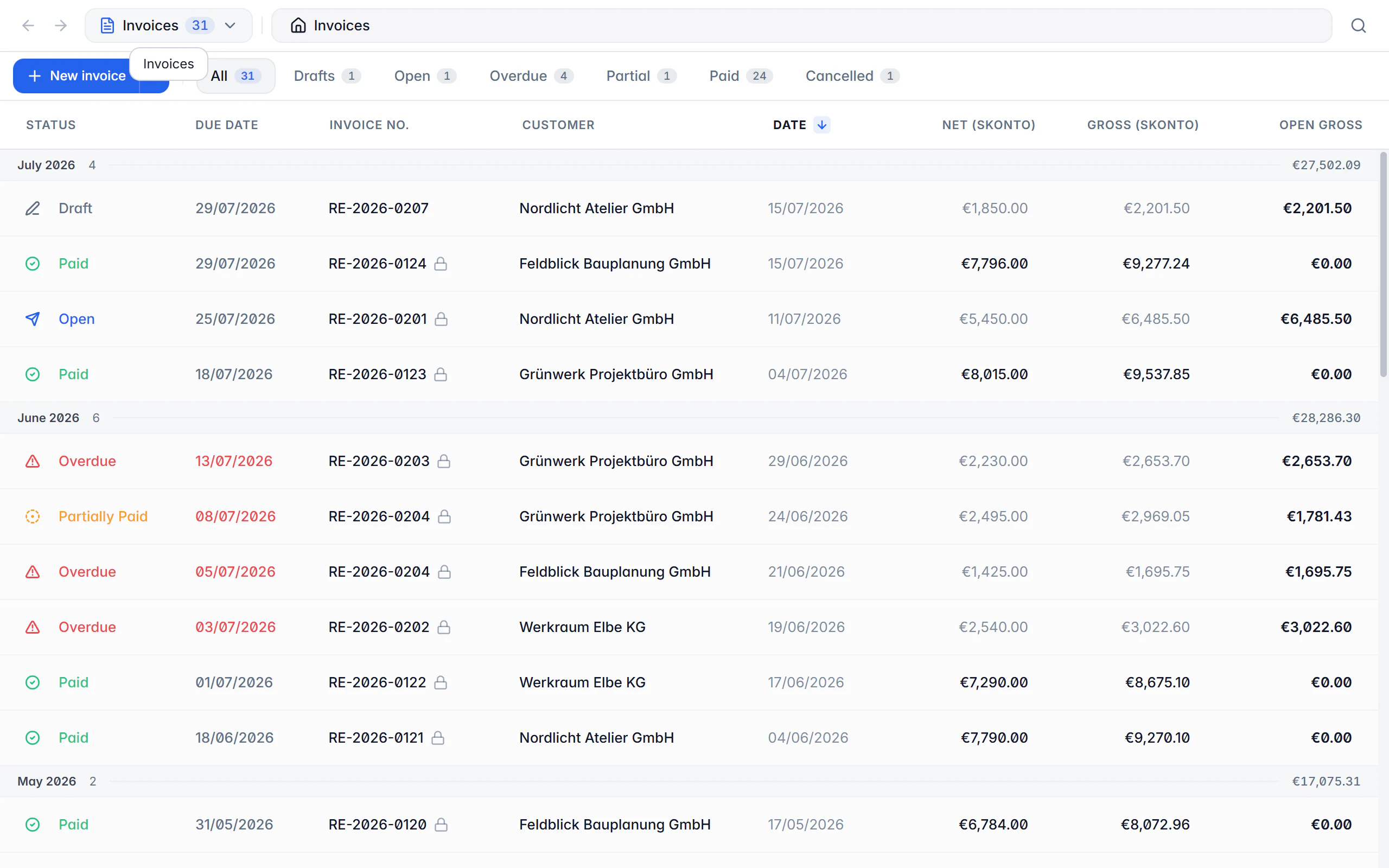
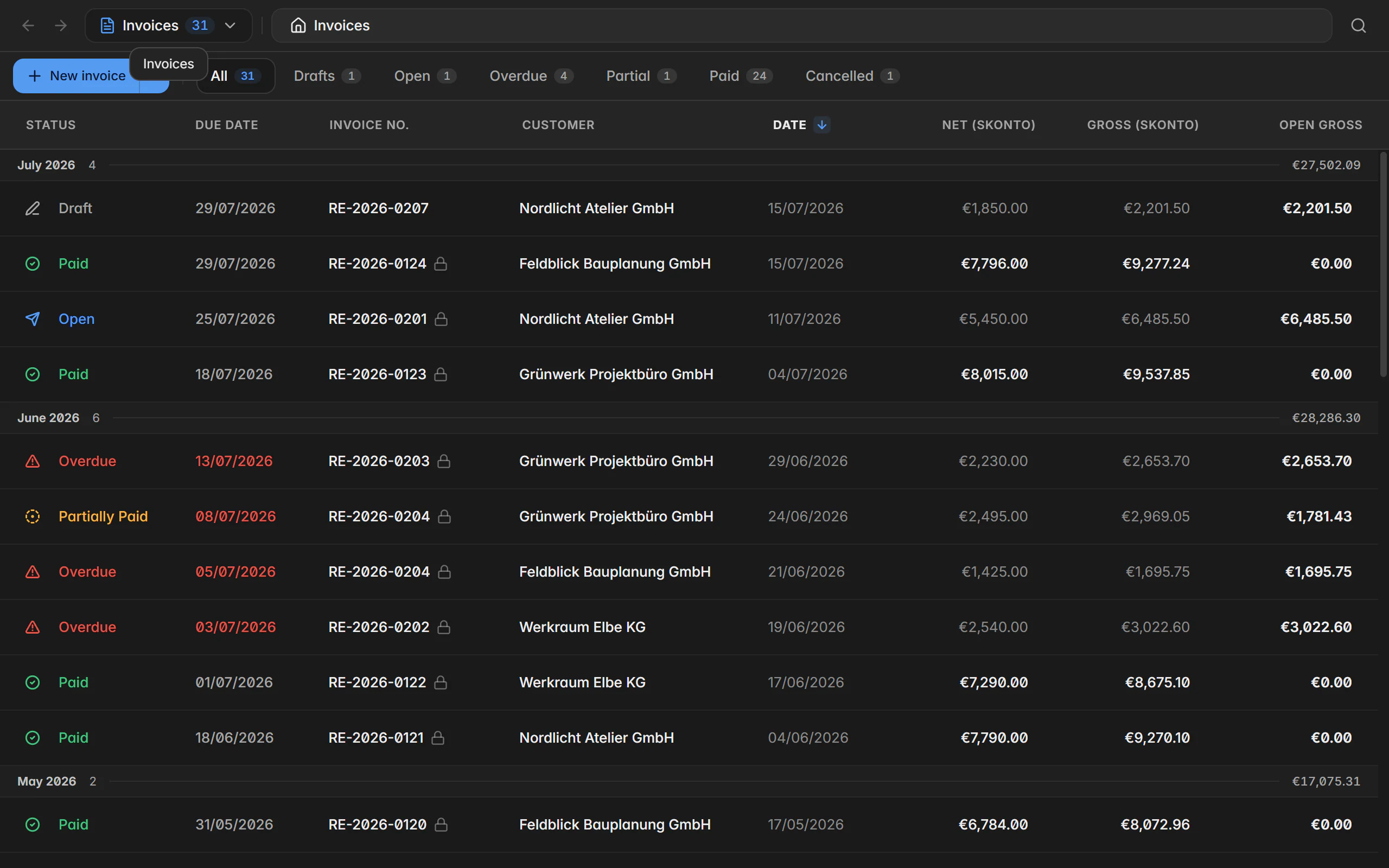
Every created and converted document sits in one searchable overview. Statuses such as draft, sent, open, partly paid, paid, or overdue follow from the payments you record. Folders, archive, and recycle bin keep the filing tidy without anything getting lost.
The app filters the same documents through status chips, opens payment entry, and shows the outstanding amount immediately.
What it covers
Status derived from real payments
Partial payments with date, amount, method, and note recalculate the remaining balance and the status – not the other way round.
Folders, archive and recycle bin
Your own folders per document type structure the filing, the archive takes what is finished, and the recycle bin can be restored from.
Search and filter
Number, recipient, period, status, and document type combine freely, even across several thousand documents.
Payment methods and accounts
Bank transfer, SEPA direct debit, PayPal, cash, and card are maintained centrally and selectable in every document.
History per document
Creation, status changes, locking, and payments stay traceable in chronological order.
Files stay attached
PDF, XML, and attachments belong to the document permanently and can be exported again at any time.
In detail
Capture, review and rebill receipts
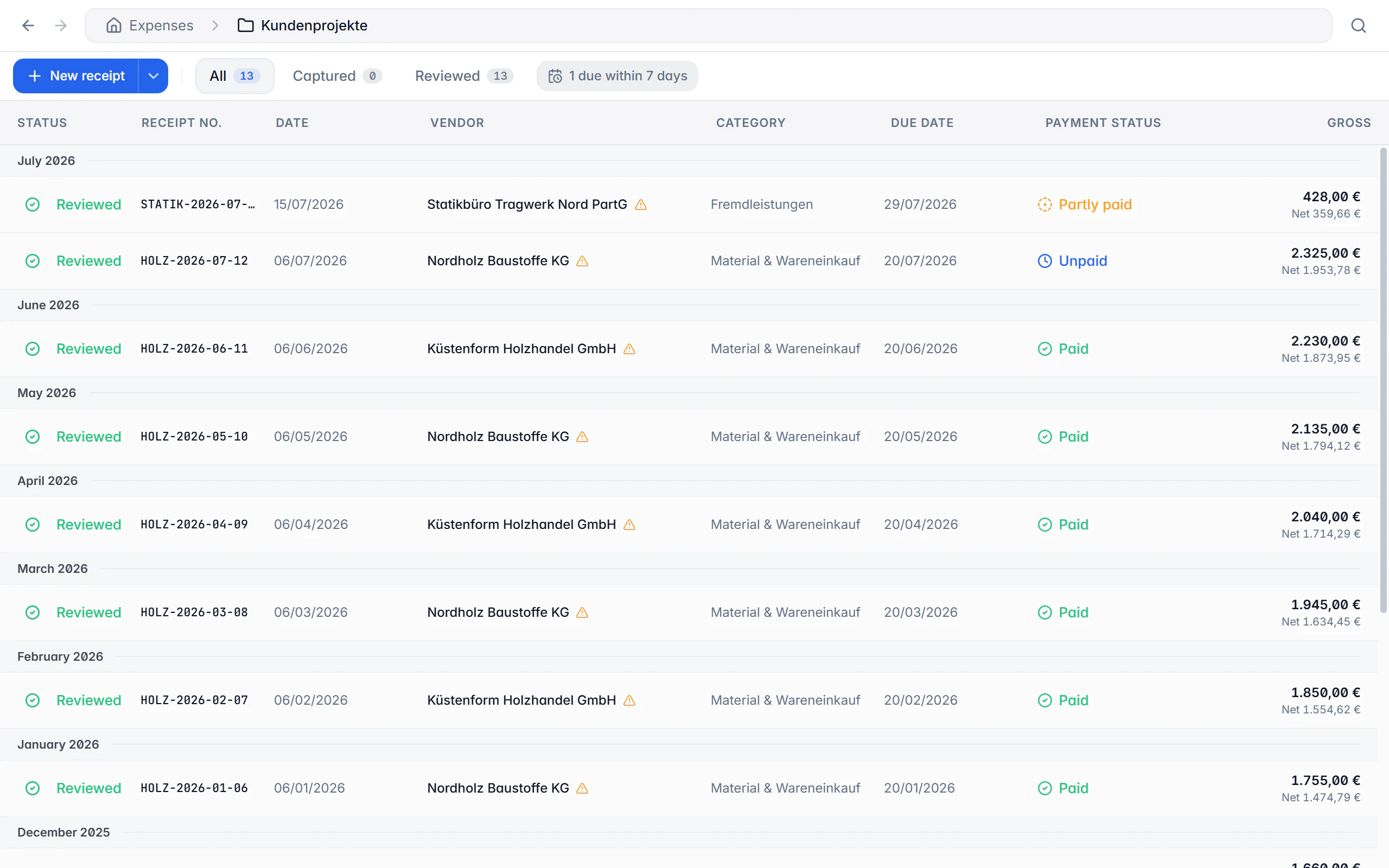
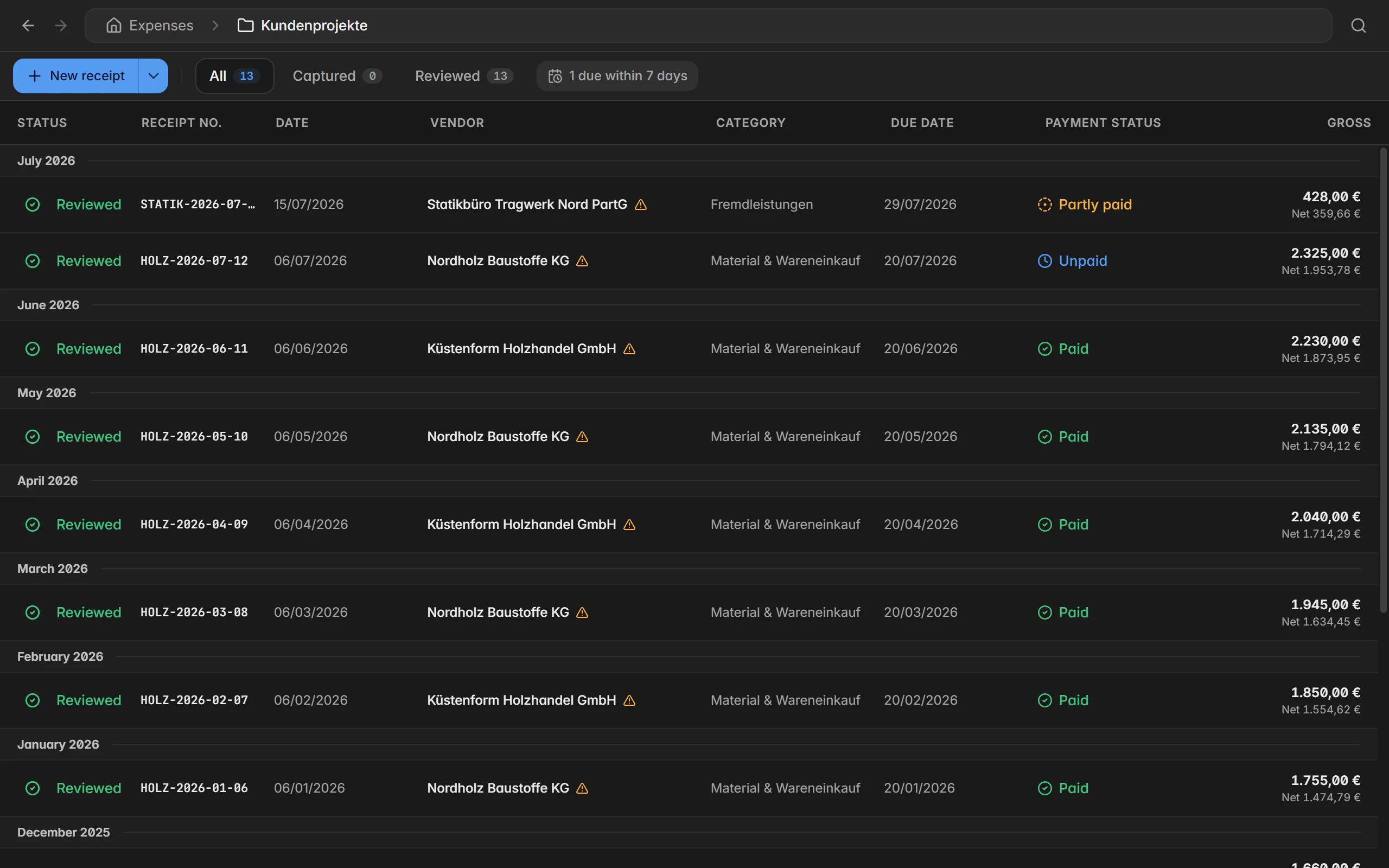
Receipts and incoming invoices arrive as a photo, scan, PDF, or structured e-invoice. XRechnung XML and ZUGFeRD/Factur-X PDFs are read locally; otherwise local text recognition helps, or – after explicit confirmation – Billance AI. Recognised values stay a suggestion that you review before saving.
In the app you photograph the receipt right after the purchase, add category and amount, and it is immediately in the same list.
What it covers
Read e-invoices in as expenses
Supplier, number, dates, currency, tax breakdown, and line items come straight from the structured file; the original file is stored unchanged.
Batch import with draft receipts
Several files land as drafts at the top of the list. A draft counts in no report until you have reviewed and saved it.
Standing receipts for recurring costs
Set up rent, subscriptions, and insurance once as a series; Billance creates the expected receipts on their due dates.
Open items at a glance
Unpaid and partly paid incoming invoices are grouped by due date, with the remaining amount and any running discount deadline.
Rebill expenses
A receipt becomes a line item in a customer invoice – with an optional markup. Receipt and invoice stay linked permanently.
Locking and integrity check
Reviewed receipts can be locked. A change log documents the history, and a SHA-256 checksum shows whether the original file is unchanged.
In detail
Keep VAT in view and hand it over to your tax advisor
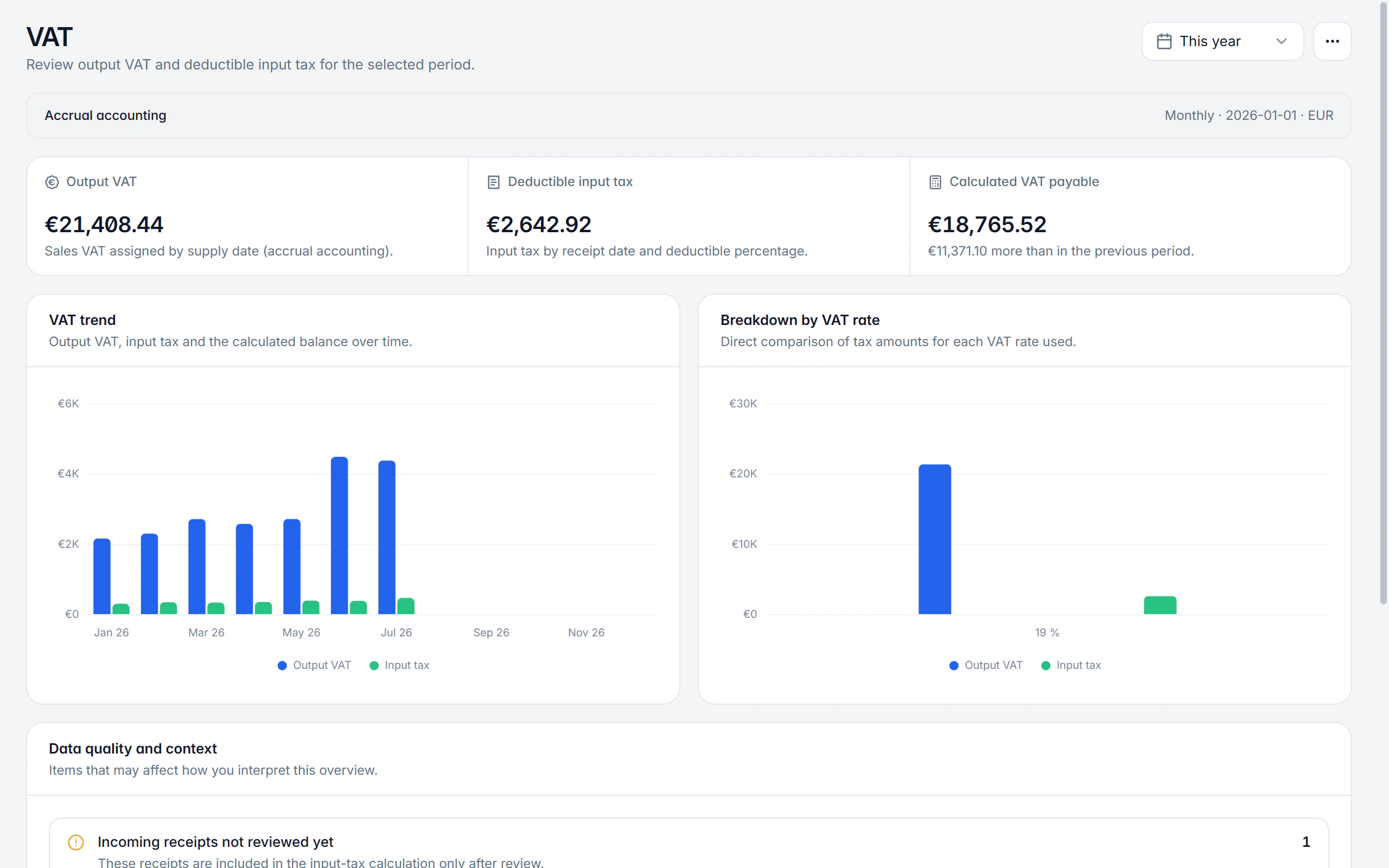
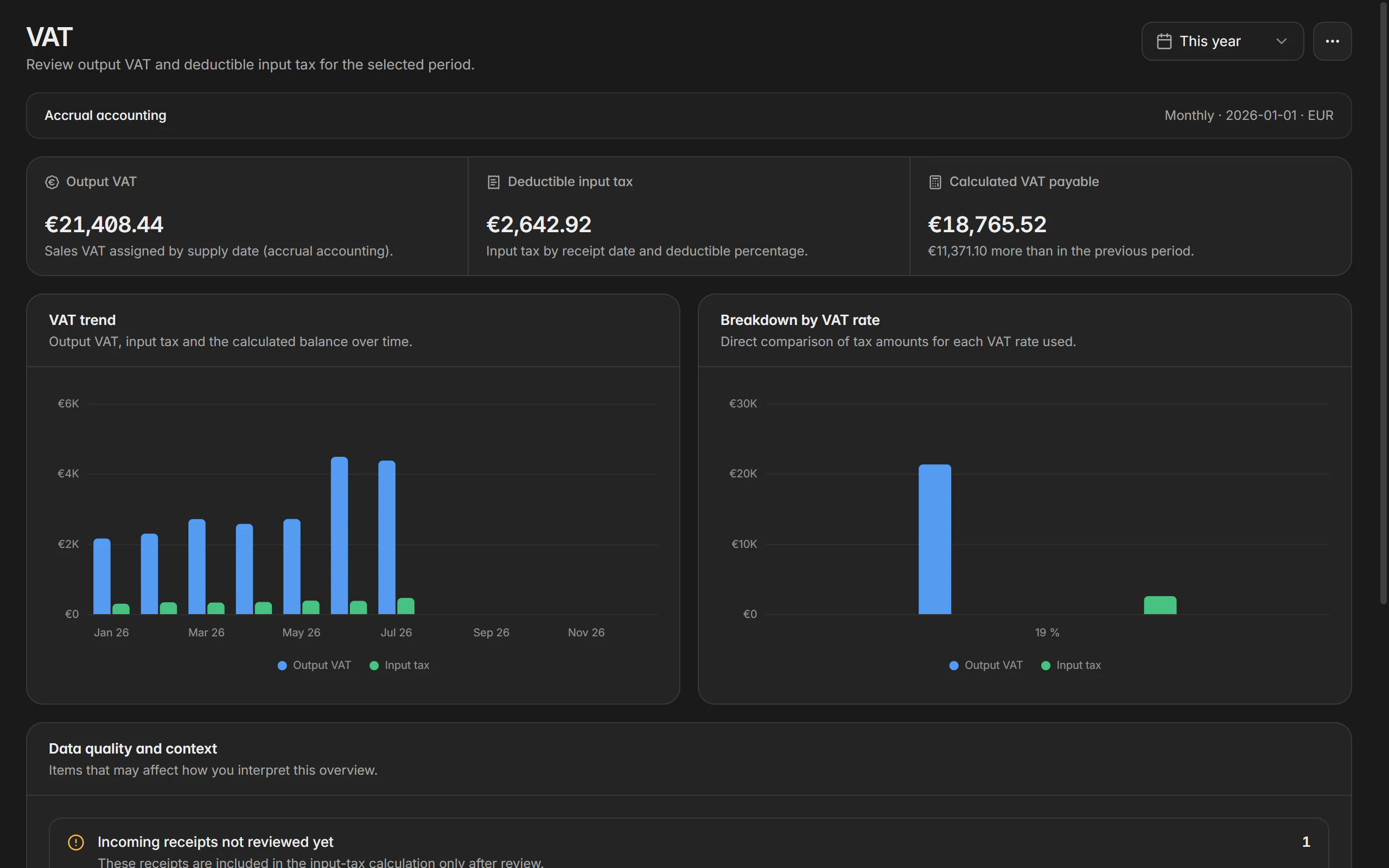
The VAT overview adds up output VAT and deductible input tax for the configured advance-return period. For accounting, the DATEV export produces a posting batch from the selected receipts – including the original documents if you want them.
In the app you see the same figures for the chosen period and can start and share the export.
What it covers
Accrual and cash accounting
The stored taxation method decides whether the service date or the payment receipt counts. Prepayments are assigned to their payment day.
Standard taxation or § 19 UStG
VAT status, effective date, and a possible permanent filing extension are stored per company profile.
Input tax from the receipts
The deductible share is calculated from the value stored on the receipt – or excluded entirely when there is no input tax deduction.
Data quality made visible
Incomplete or uncategorised receipts are called out so the figures are not built on gaps.
DATEV posting batch
Document date, number, amount, expense and creditor account, tax case, due date, discount, and service period come from receipt, category, and account settings.
Review before the export
Posting count, accounts, total, warnings, and blocking notices are all visible before the batch is created.
In detail
Analyse income, expenses and outstanding amounts
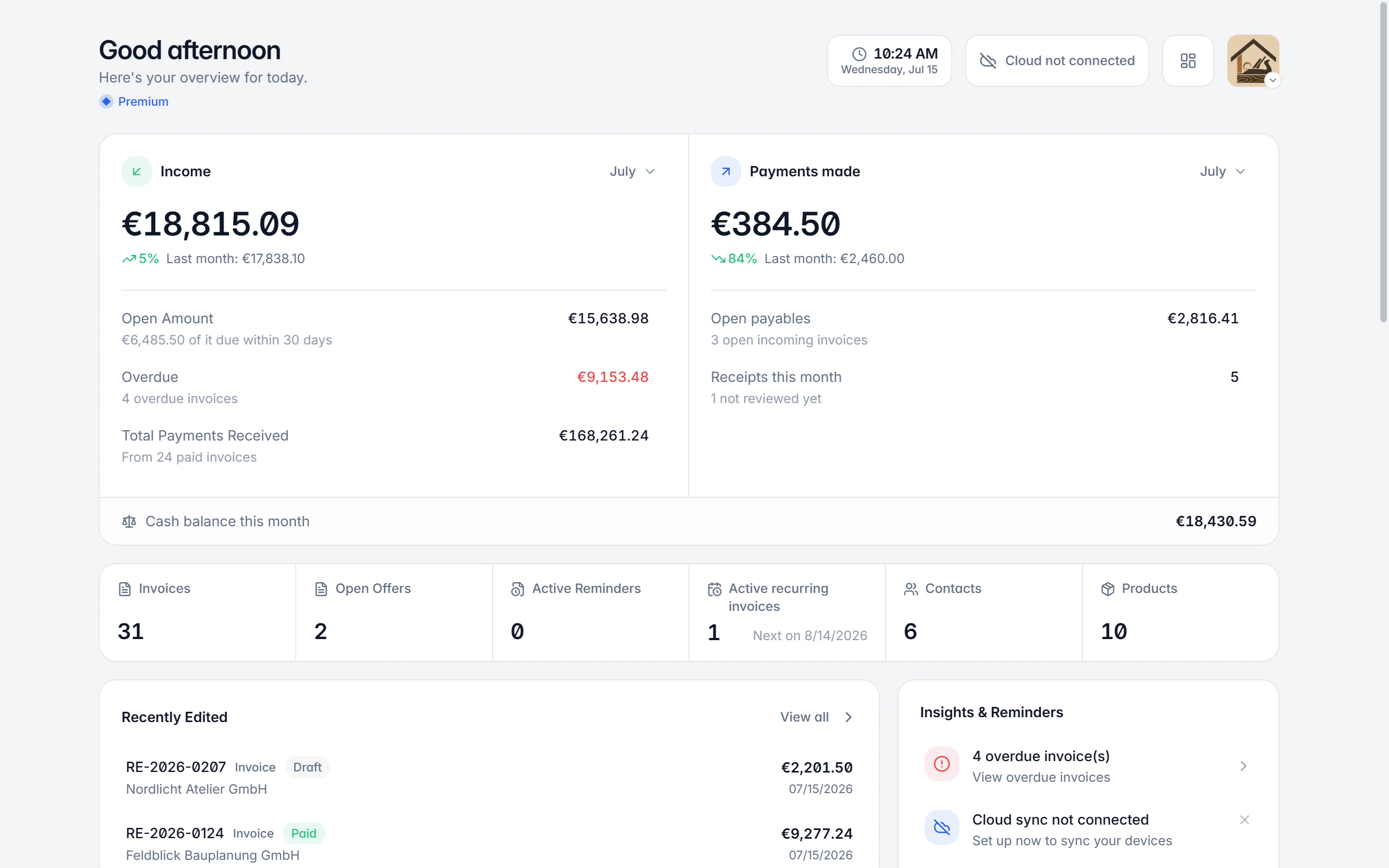
The home screen sums up what currently matters: revenue in the period, open and overdue amounts, upcoming due dates, and the latest documents. Dedicated reports for income and expenses go deeper – by period, category, customer, or supplier.
The app gives you the same figures as a compact summary with the most important charts.
What it covers
Choose any period
Month, quarter, year, or a custom range – with a comparison against the previous period whenever one makes sense.
Income by customer and document type
Revenue trend, biggest customers, and the split across document types are available as their own report.
Expenses by category and supplier
Categories, supplier comparison, payment behaviour, and deductible input tax make the cost side tangible.
Currencies stay separate
Different currencies are reported separately instead of being mixed into one misleading total.
Due dates and overdue items
What falls due in the next few days and what is already overdue sits right on the home screen.
From figure to document
Conspicuous groups can be opened until you reach the individual document and can correct the source data.
In detail
Validate e-invoices against EN 16931, XRechnung and ZUGFeRD
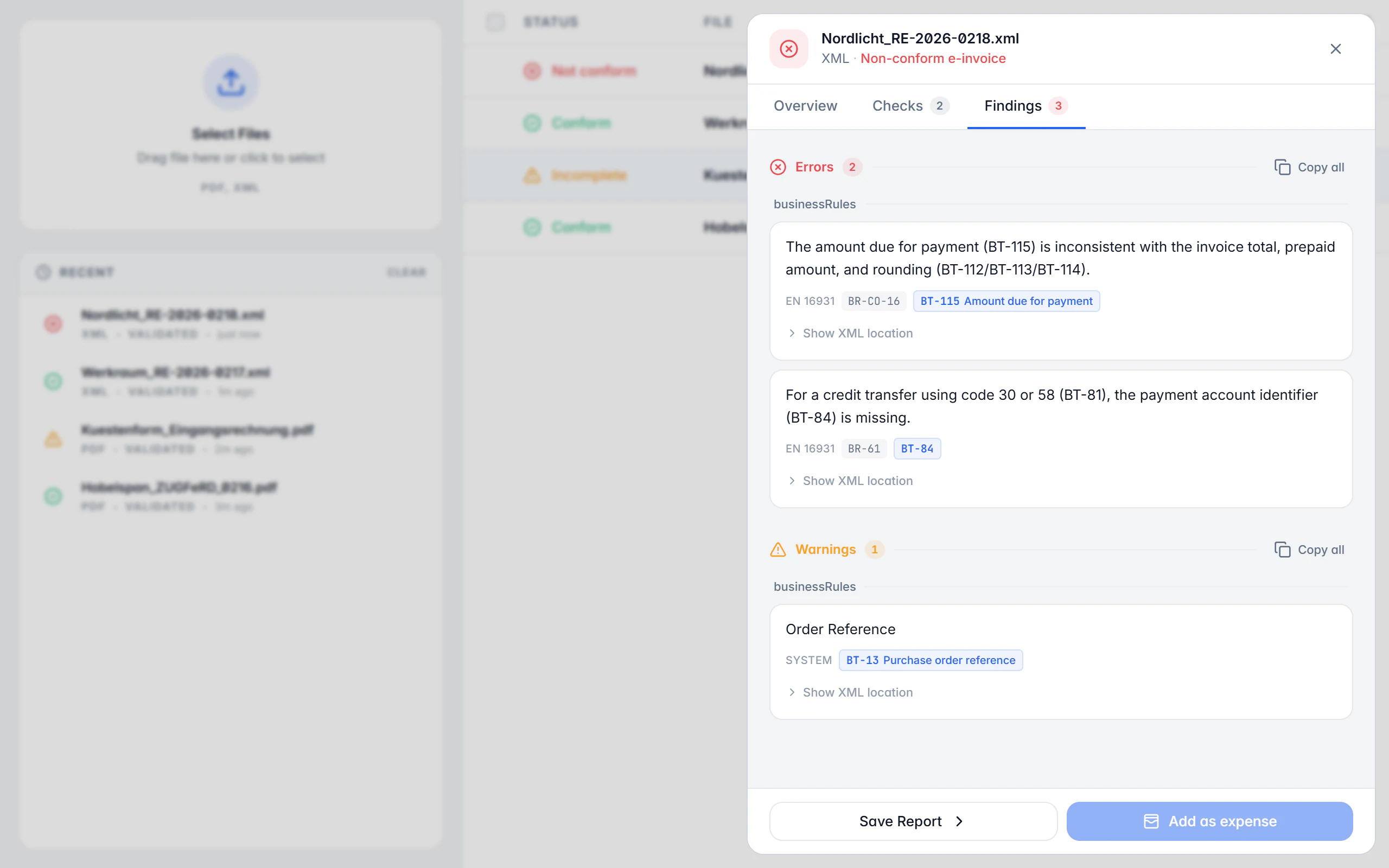
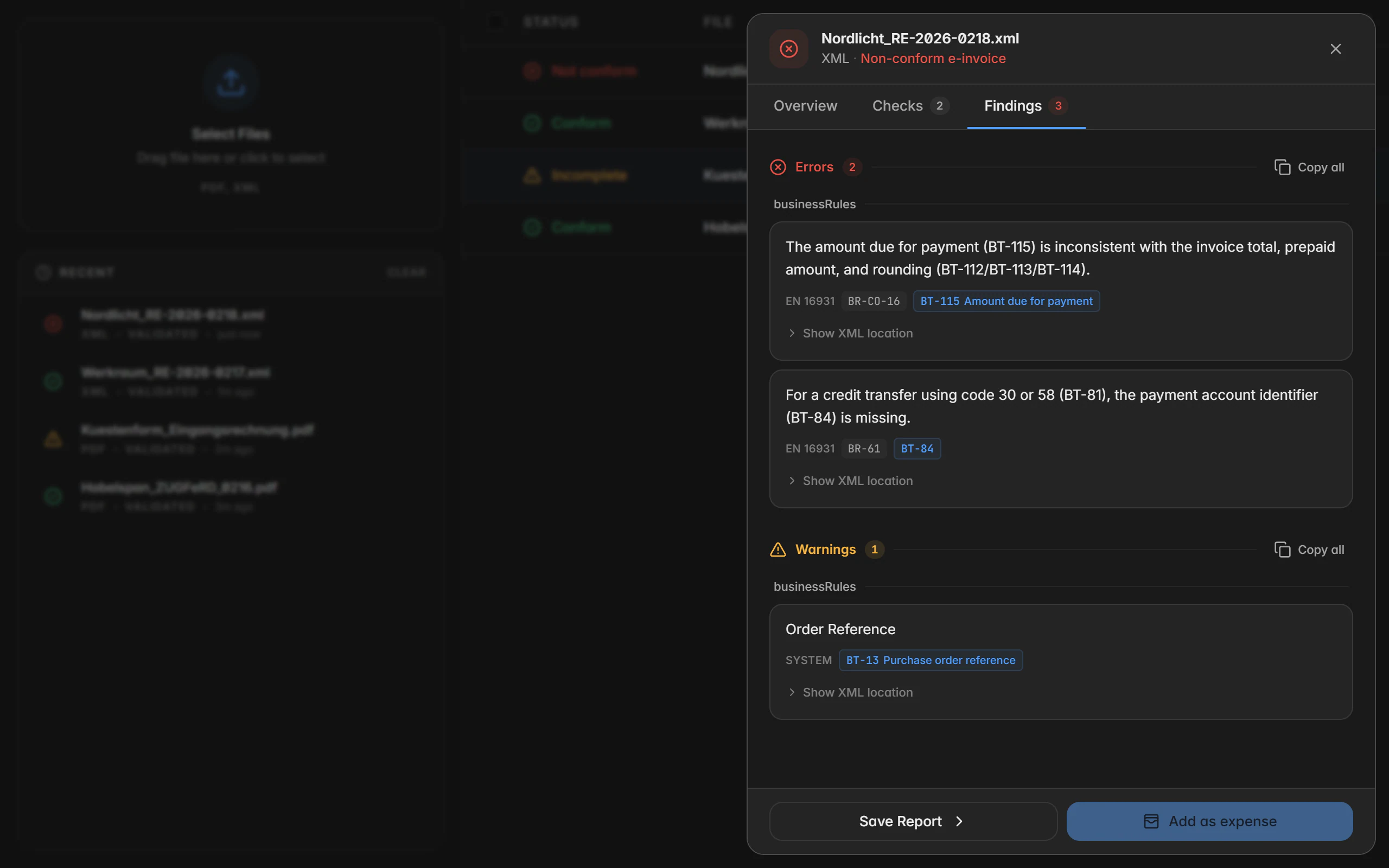
Received and self-created e-invoices are checked against the profile that was detected. The check reports errors and warnings with the rule code, BT number, and the exact location in the document instead of just saying "invalid". Results can be exported as a report.
In the app you validate individual files and see the same findings with rule code and location.
What it covers
The profile is detected
XRechnung, ZUGFeRD, and Factur-X are determined from the document; if no known profile fits, that is reported explicitly.
Findings with rule codes
Every error names the business rule that was violated, the affected field, and the path in the XML.
BT numbers made readable
Locations are linked to the business terms so it is clear which detail is missing or does not fit.
PDF and XML alike
ZUGFeRD PDFs are unpacked and their embedded XML is validated; plain XML files run through directly.
Checked before output
The same check runs while you create a document, so missing mandatory details surface before it leaves the building.
Export reports
The result can be saved as a report – in German or English, for your own records or for a business partner.
Match document design and templates to your corporate identity
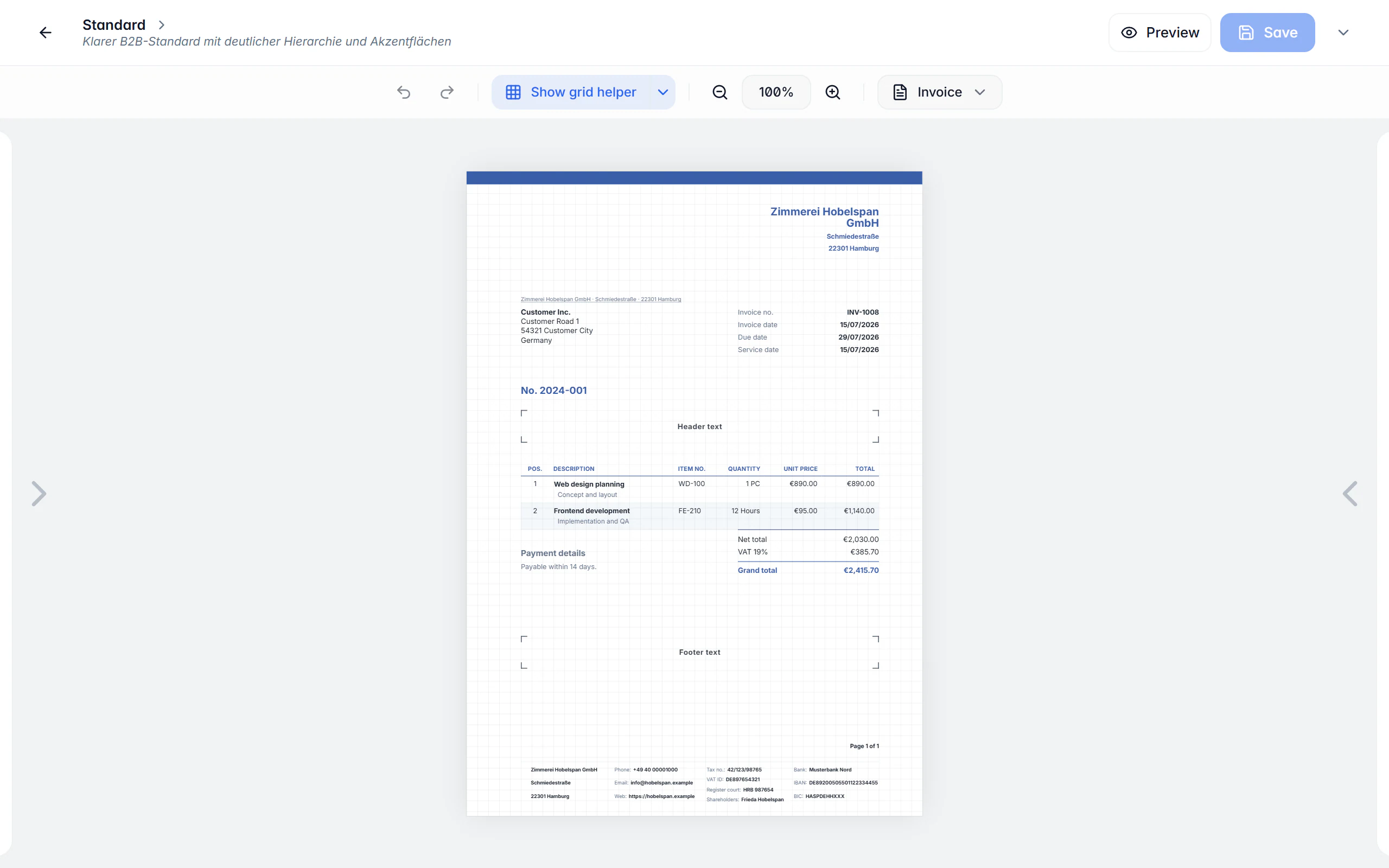
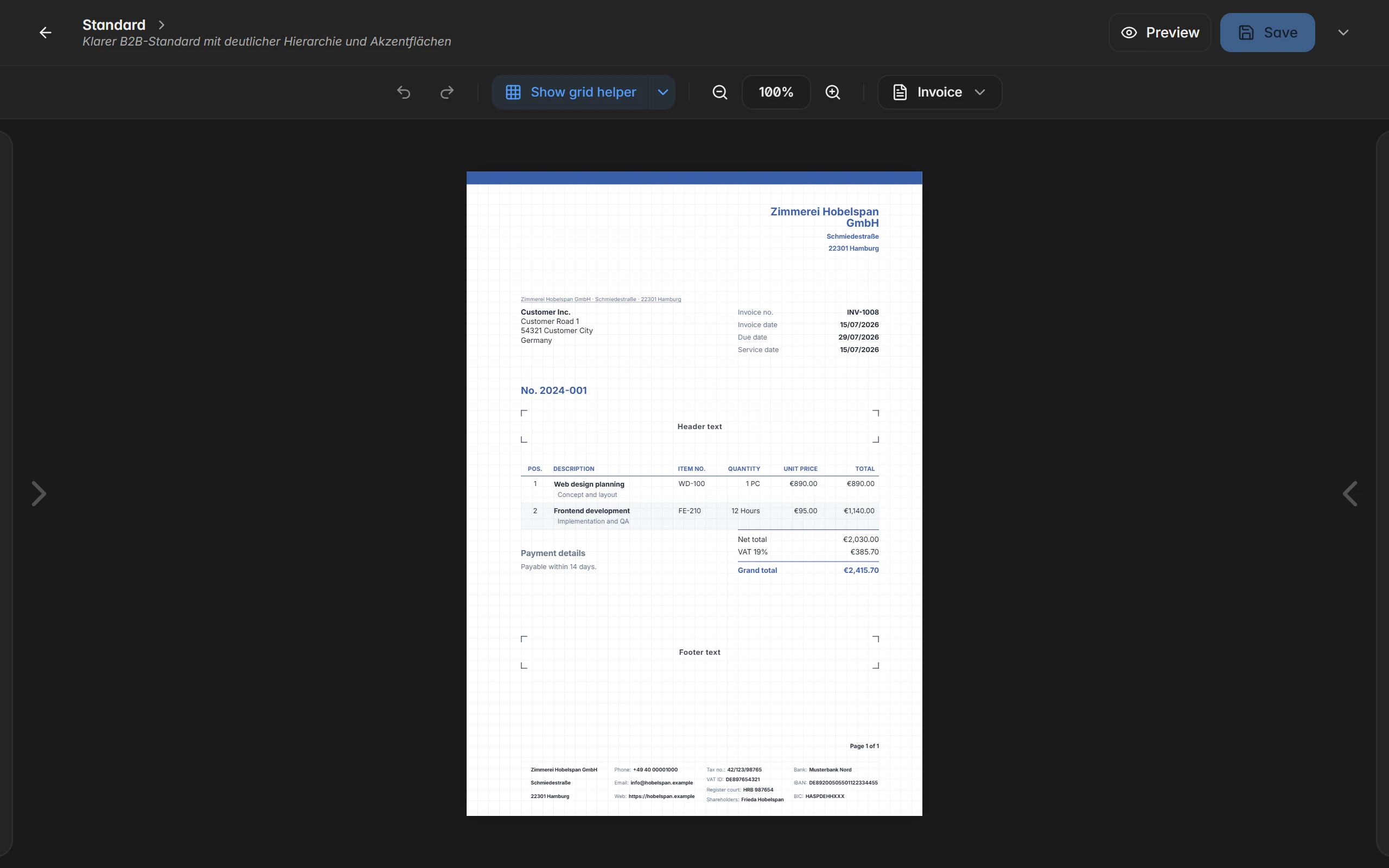
The document designer decides how your PDFs look: header and footer, line items, totals block, logo, colours, fonts, and spacing can all be changed right in the live preview. Templates hold the content defaults for each document type alongside them.
In the app you pick saved design templates and apply them to your documents.
What it covers
Live preview instead of guesswork
Every change to layout, colour, or font appears in the rendered document straight away.
Your own elements and layouts
Header, address block, line item table, totals block, and footer can each be adjusted and extended with your own blocks.
A design per document type
Quote, delivery note, and invoice may look different – or all share the same design.
Text blocks and email templates
Opening, closing, and retention texts as well as email templates can be prepared and applied per document.
Defaults per template
Payment term, tax case, currency, price display, output format, and date format are stored per template.
Number ranges
Every document type gets its own number range with prefix, digit count, and counter.
Maintain customers, products and company profiles once
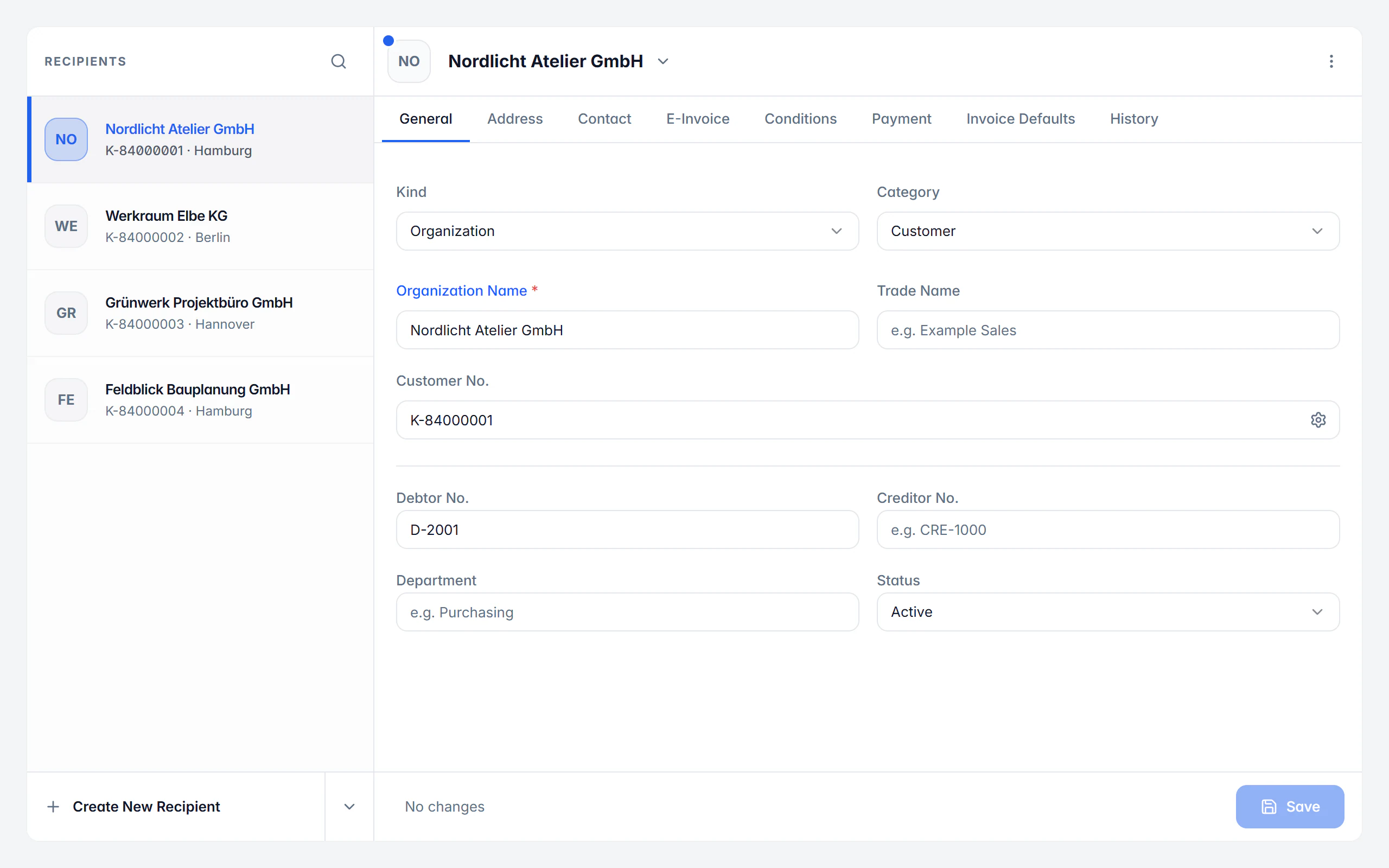
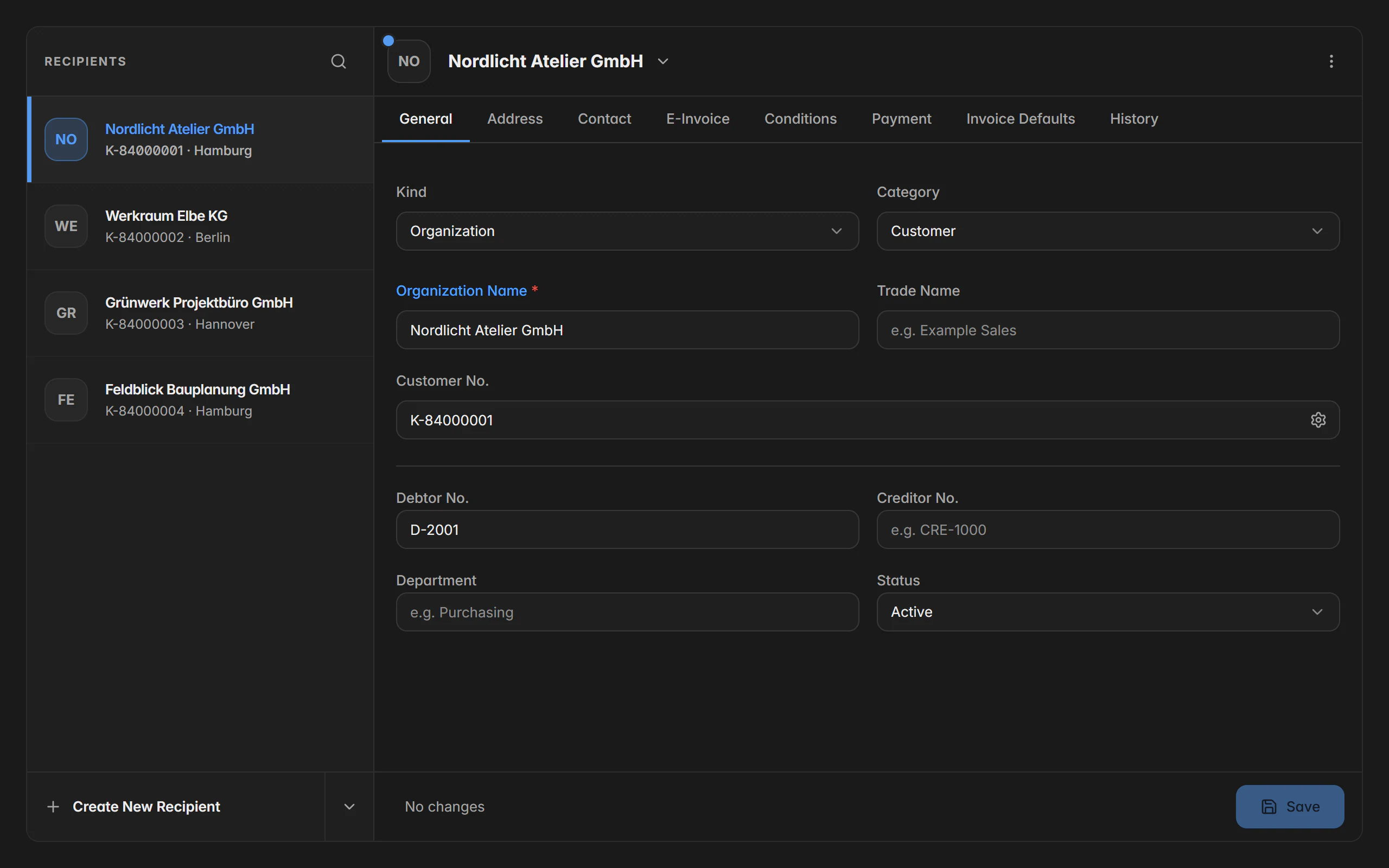
Recipients, internal contacts, articles, services, and payment methods are maintained once and then selectable in every document. Several company profiles keep businesses or divisions cleanly apart – each with its own number ranges, designs, and tax settings.
In the app you create contacts and products on the go and carry them straight into the next document.
What it covers
Recipients with e-invoicing details
Electronic address, buyer reference, Leitweg-ID, VAT ID, debtor and creditor number all belong to the contact.
Terms per customer
Payment term, discount days, discount rate, and customer discount are stored on the contact and applied when creating a document.
Articles and services
A product catalogue with units, categories, prices, and tax rates – separated into articles and services.
Import and export
Contacts can be imported from CSV or vCard and exported the same way.
Several company profiles
Every profile has its own master data, number ranges, designs, tax settings, and reports.
Internal contacts
People in your own organisation are maintained separately and can be named as the handler on documents.
Your data stays with you – synchronising is your decision
Billance is local-first: documents, receipts, and master data live in a local database on your device and remain fully usable without an internet connection. If you use several devices, you synchronise through your own cloud provider – Billance runs no central document store for this.
In the app you synchronise the same data and create backups without needing a computer.
What it covers
Local database
Everything lives on your device. Without a connection you keep working instead of waiting for a server.
Your own cloud provider
Synchronisation runs through the storage you chose yourself – the content stays in your hands.
Encrypted backups
Backups can be encrypted, scheduled, and restored selectively, either individually or in full.
Two-factor authentication
The Billance account can be protected with a second step; sessions are visible and can be ended individually.
Traceable history
Changes to receipts are logged, and checksums show whether original files are unchanged.
Servers in Germany
Account and billing data are processed at a German provider, under German and European data protection law.
Desktop, app and the local automation API
Billance runs as a desktop application on Windows, macOS, and Linux and as an app on your phone. Both work on the same data. If you want to connect your own software, the local automation API is there – it runs exclusively on your computer while the desktop app is open.
The app is built for being out and about: photograph receipts, create documents, record payments, and check figures.
What it covers
Windows, macOS and Linux
The desktop app is maintained for all three systems and built from the same code base.
The same features on mobile
Documents, receipts, contacts, reports, and settings are available in the app as well.
German and English
Interface, help, and the generated documents can all be used in both languages.
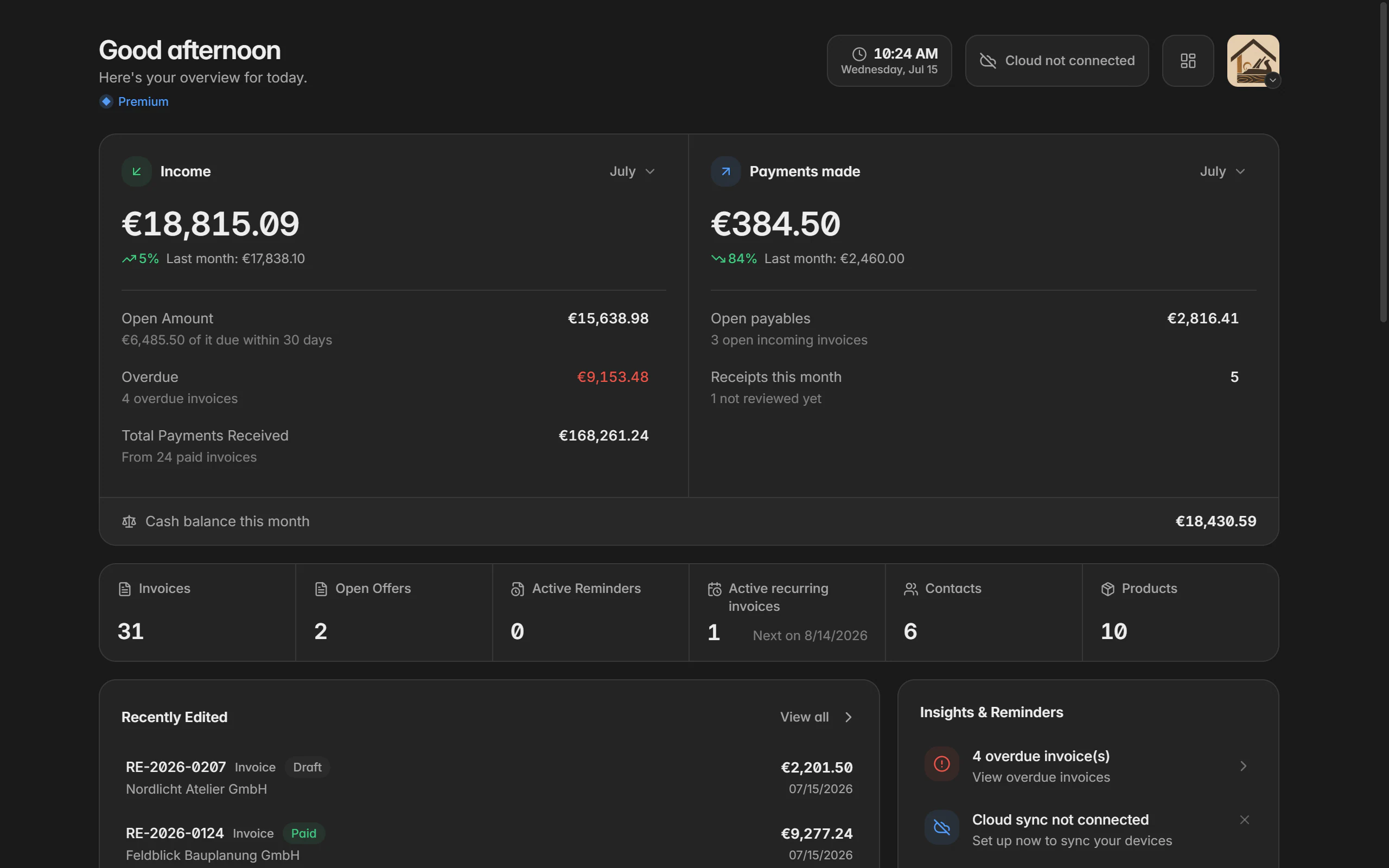
Light and dark
A light and a dark appearance are available and follow the system if you want them to.
Local automation API
Documents, receipts, payments, and master data can be addressed over HTTP from your own scripts – with a token, a fixed port, and no cloud endpoint.
Built-in help
A searchable help centre explains every feature directly in the application and online.
Ready for e‑invoices?
Start with Billance and create your first e-invoices in just a few minutes.