Quotes
Create quotes and convert them into invoices
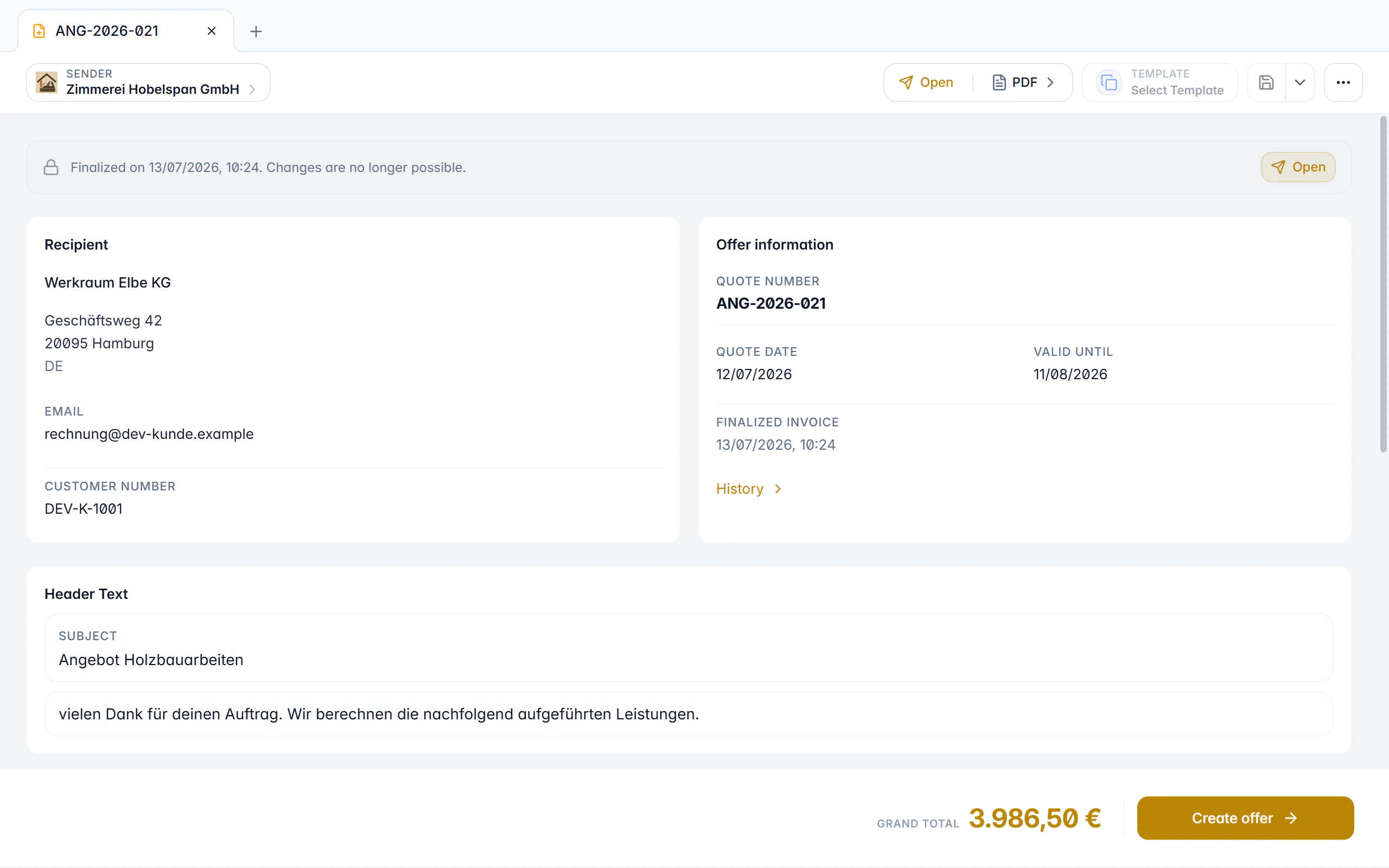
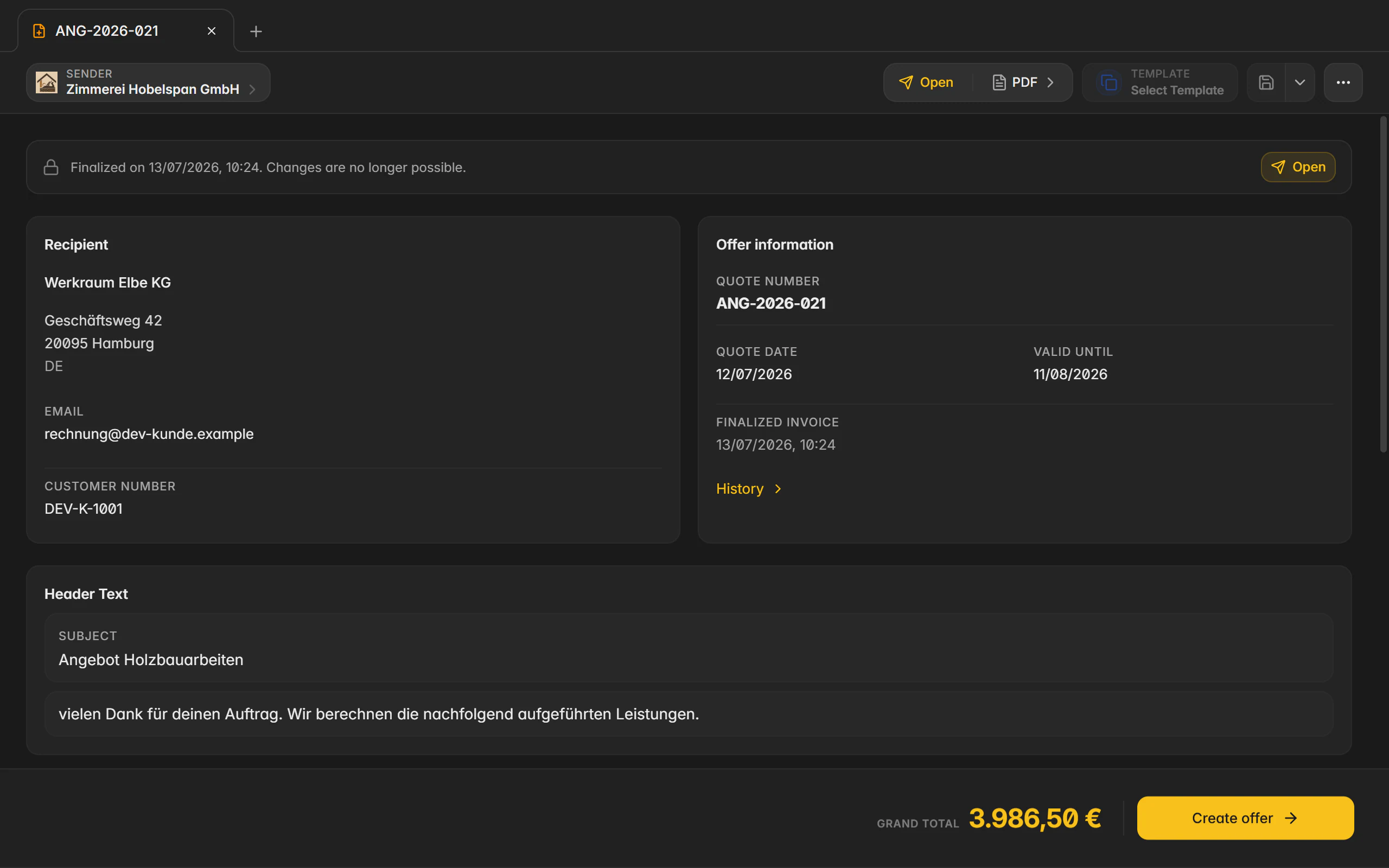
A quote in Billance is a document type of its own, with its own number range, its own templates and a status that reflects the whole lifecycle. When it is accepted, the existing line items become an order confirmation or go straight into an invoice.
At a glance
- Document type
- Dedicated number range
- Status
- Draft, open, accepted, rejected, expired, invoiced
- Output
- PDF and JSON
- Plan
- Premium
What a quote is in Billance
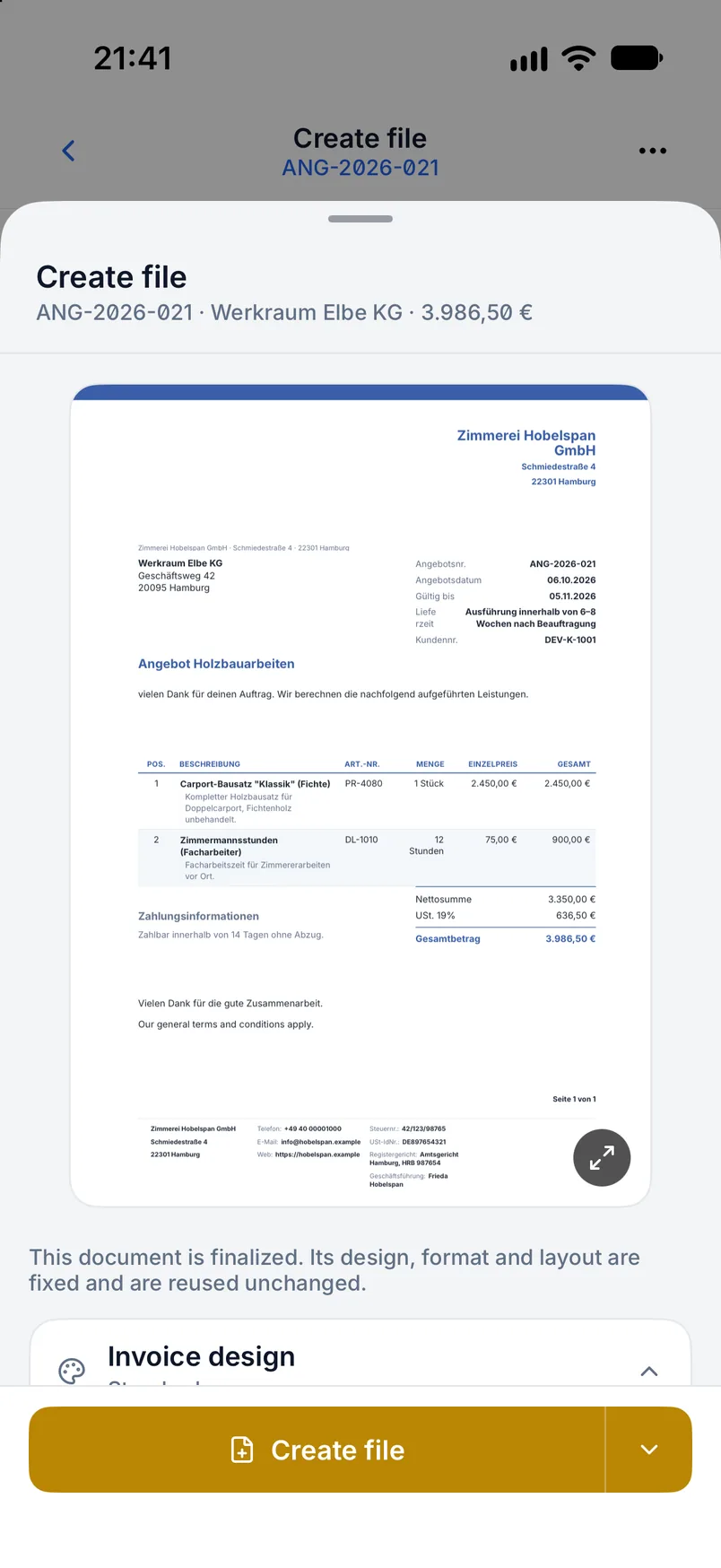
A quote describes services and prices before an order exists. In Billance it is therefore not an invoice draft with a different heading but a document type of its own: with its own number range, its own text and design templates, a “valid until” field, a delivery time statement, and no payment term or request to pay, because there is nothing to pay yet.
Whether and for how long a quote is legally binding depends on its content, its wording and the circumstances. Billance therefore does not assume every quote is non-binding; it lets you set the quote clauses and the binding note yourself.
An accepted quote becomes an order confirmation, that becomes a delivery note, that becomes the invoice. Line items, design and references travel along each time. Once the resulting invoice is finalized, Billance marks the quote as invoiced, so the quote list tells you what is still open.
From quote to invoice
Create the quote
Enter recipient, line items, header and footer text and the validity date. A draft can be saved without that date; generating the PDF requires it.
Finalize
Finalizing locks the quote number from its own number range and moves the status from draft to open.
Record the decision
Accepted, rejected or expired: the state stays visible on the document. An open quote is automatically treated as expired once its validity date has passed.
Convert
Open and accepted quotes become an order confirmation, a delivery note or an invoice. Line items, design and the quote reference land in the new draft.
Mark as invoiced
As soon as the resulting invoice is finalized, the quote counts as invoiced and cannot be converted again.
What the quote workflow does
Its own number range
Quotes run in a dedicated number range with their own format and next number, separate from invoices, delivery notes and reminders.
Validity in plain sight
The “valid until” field appears on the document and in the overview. Once the deadline passes, Billance treats an open quote as expired.
Delivery time and quote clauses
A dedicated text block for the execution or delivery time and a reference to your terms and conditions are part of the quote form.
Six states instead of two
Draft, open, accepted, rejected, expired and invoiced cover the whole lifecycle instead of only distinguishing “written” from “done”.
Reactivate when needed
If a customer comes back after a rejection, a rejected or expired quote can be reopened.
Dedicated templates
Document template, text blocks and design template are maintained for quotes separately from invoices, with their own default template.
No accidental duplicate
If an active successor of the same type already exists, Billance opens it rather than quietly creating a second document.
Output as PDF or JSON
Quotes are not produced as e-invoices because they are not invoices. Next to the PDF there is a JSON export for further processing.
Quotes on desktop and in the app
Quotes are created in both applications with the same fields, the same number range and the same status changes.
In the desktop app
In the desktop app you start a quote with the plus button in the document tab bar. Status and conversions live in the document header menu and in the right-click menu of the document manager; the new draft opens in its own tab next to the quote.
In the mobile app
In the app you open Documents, tap the plus button and choose Quote. The details sit in cards and subpages, status and conversions in the document’s action menu or in the detail view. The resulting draft opens as its own page.
Free or Premium
On the free plan
The free plan covers standard invoices and e-invoices. Quotes are one of the advanced document types and are not included there.
With Billance Premium
With Premium you get quotes including their own number range, their own templates and the conversions into order confirmation, delivery note and invoice, along with the other advanced document types.
Quotes you have already created stay saved and readable after a downgrade.
Frequently asked questions about quotes
No, and that is deliberate. The EN 16931 e-invoice formats describe invoices and invoice corrections. A quote carries neither a payment term nor a request to pay, so it is output as a PDF, optionally also as JSON.
Read on
Step by step in the help centre
The help articles walk through the same workflow as step-by-step instructions, including all fields, buttons and special cases.
Ready for e‑invoices?
Start with Billance and create your first e-invoices in just a few minutes.