Order handling
Create order confirmations and delivery notes
Two documents sit between the accepted quote and the invoice: the order confirmation records what was agreed, the delivery note documents what was actually delivered. Both are document types of their own and stay connected to the case through the document chain.
At a glance
- Document types
- Order confirmation and delivery note
- Number ranges
- One per type
- Output
- PDF and JSON
- Plan
- Premium
Where confirmations and delivery notes belong
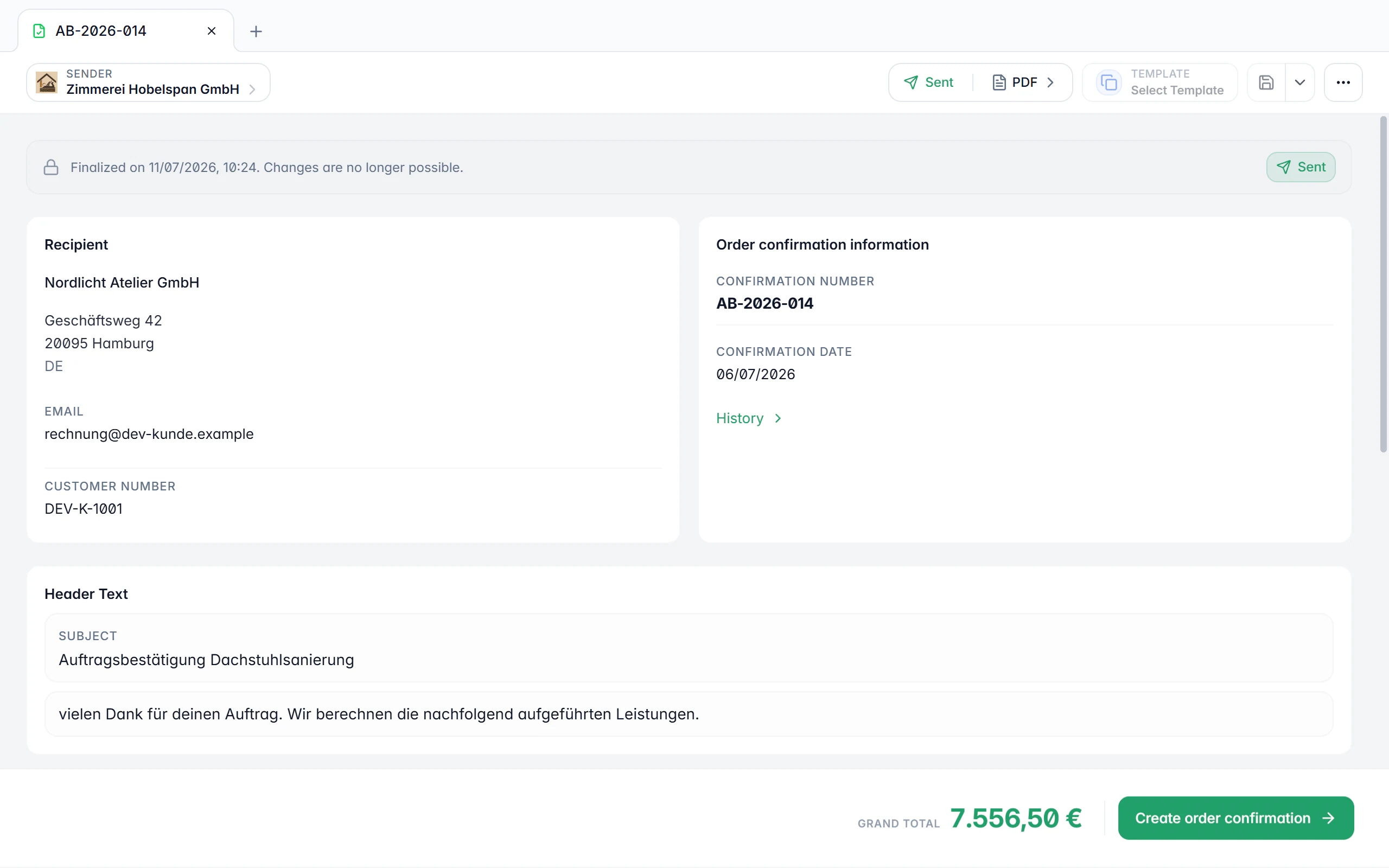
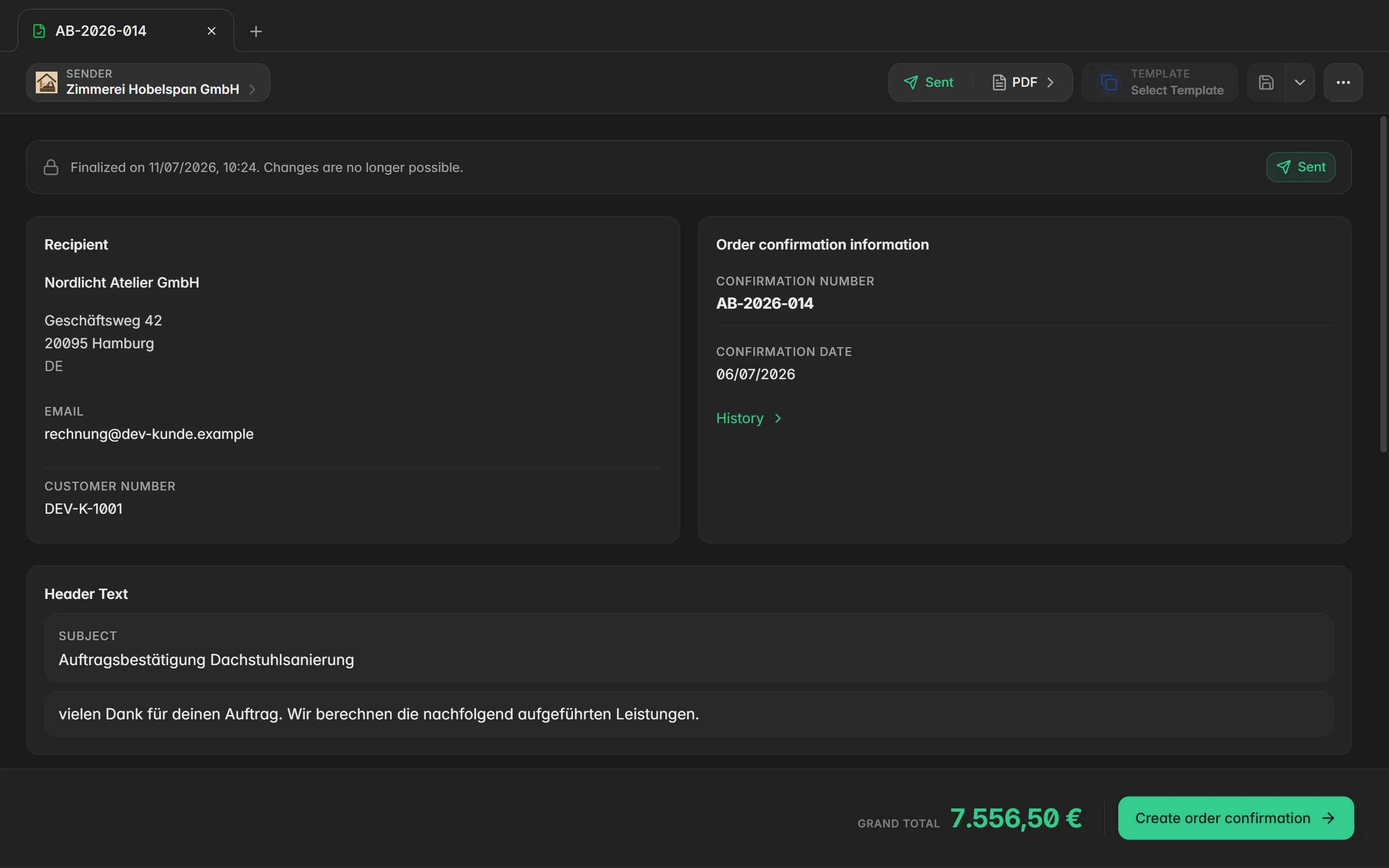
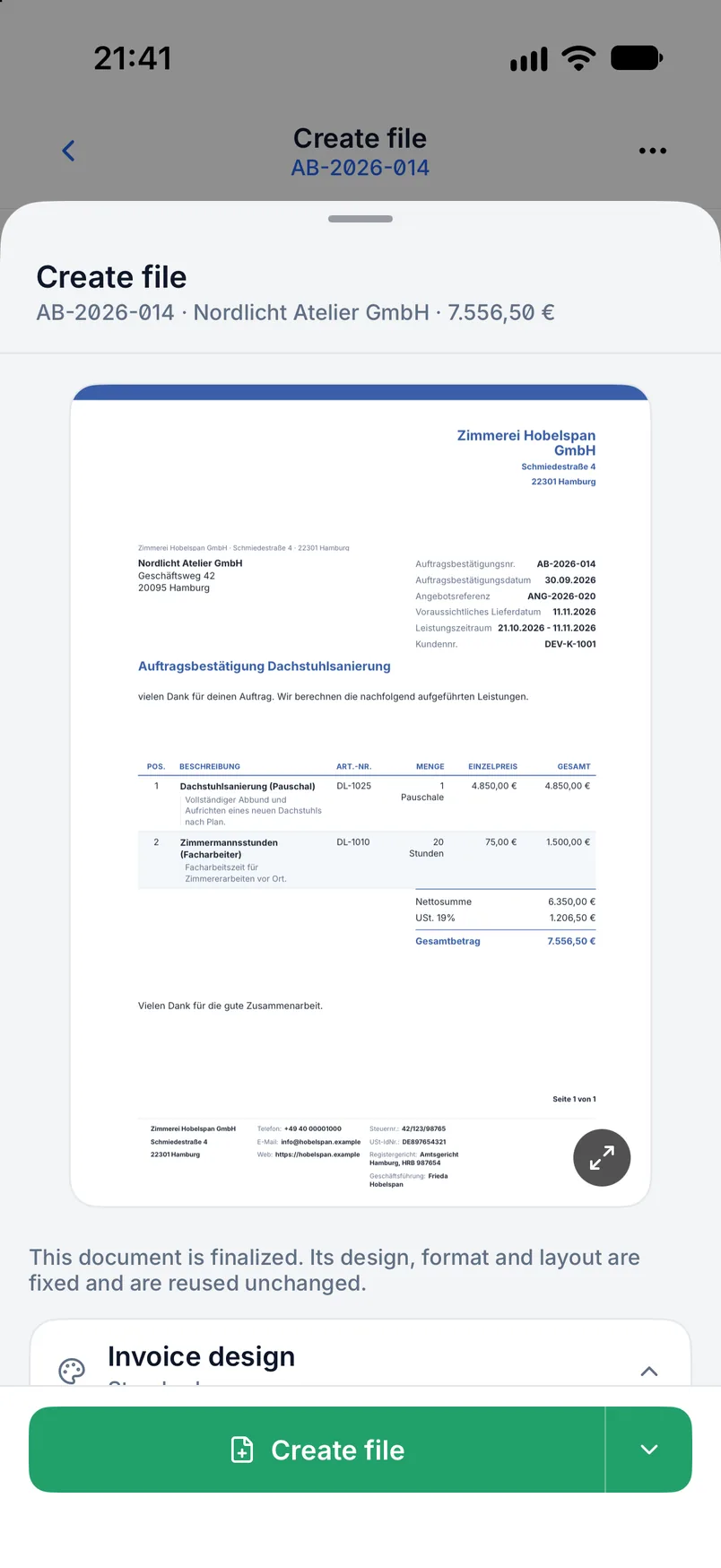
An order confirmation confirms an accepted order: who ordered, what will be delivered, at what value and, if it is already foreseeable, by when. A delivery note documents the actual delivery: which line items went out, when and to which address. In Billance both are independent document types with their own number range, their own text blocks and their own design template.
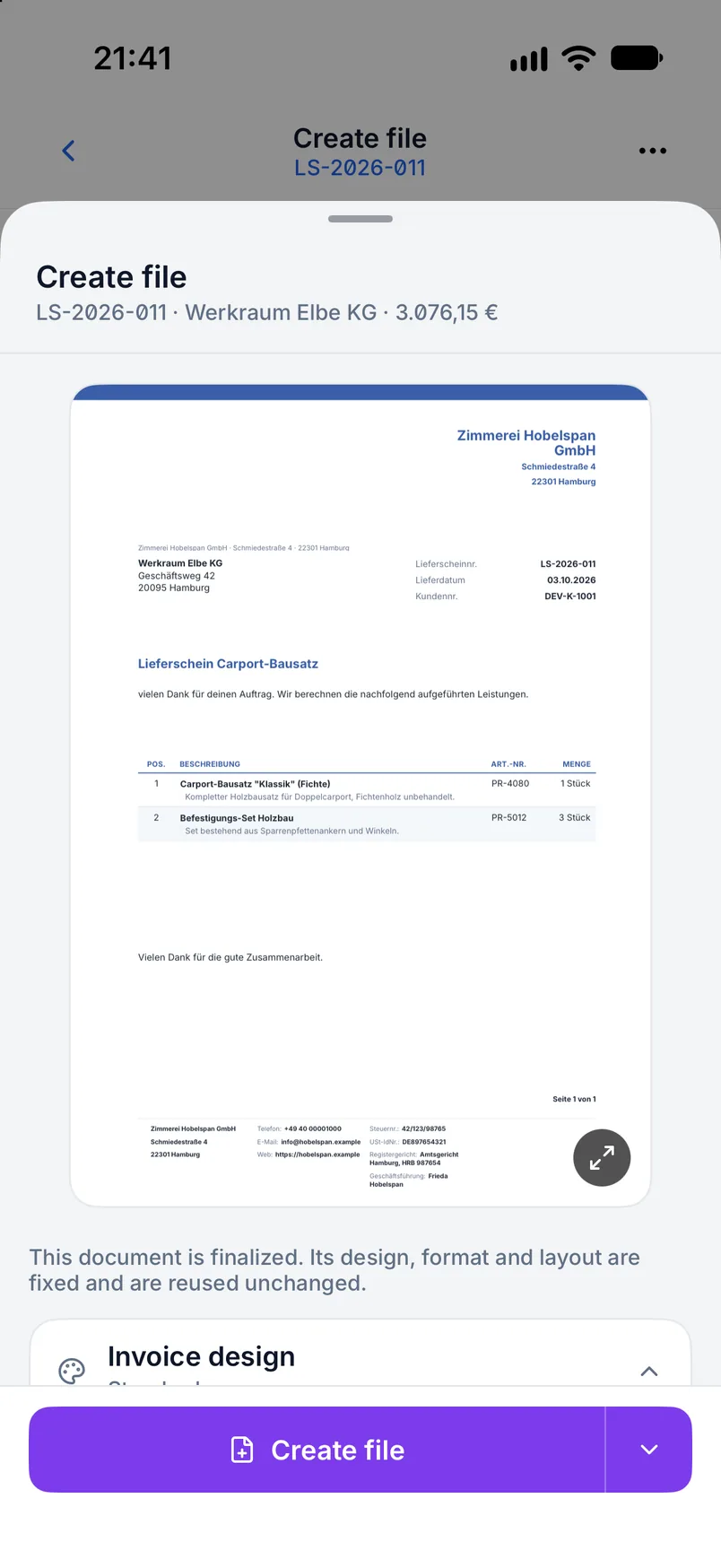
Neither document is an invoice. They carry no payment term and are therefore not produced as e-invoices but as PDFs, optionally also as JSON. On the delivery note the “show prices” switch additionally decides whether unit prices and line totals are printed at all; tax and payment information never appear there.
The value comes from the chain. Quote, order confirmation, delivery note and invoice take their line items from one another and stay linked as predecessor and successor. The reverse direction works too: an invoice can produce a delivery note afterwards when the goods leave later.
How the document chain runs
Confirm the order
Enter recipient, line items, order value and texts; optionally add the quote reference, the expected delivery date and the service period.
Finalize
The number from the confirmation number range is locked and the status is set to “sent”. From there, “completed” and “cancelled” are available.
Create the delivery note
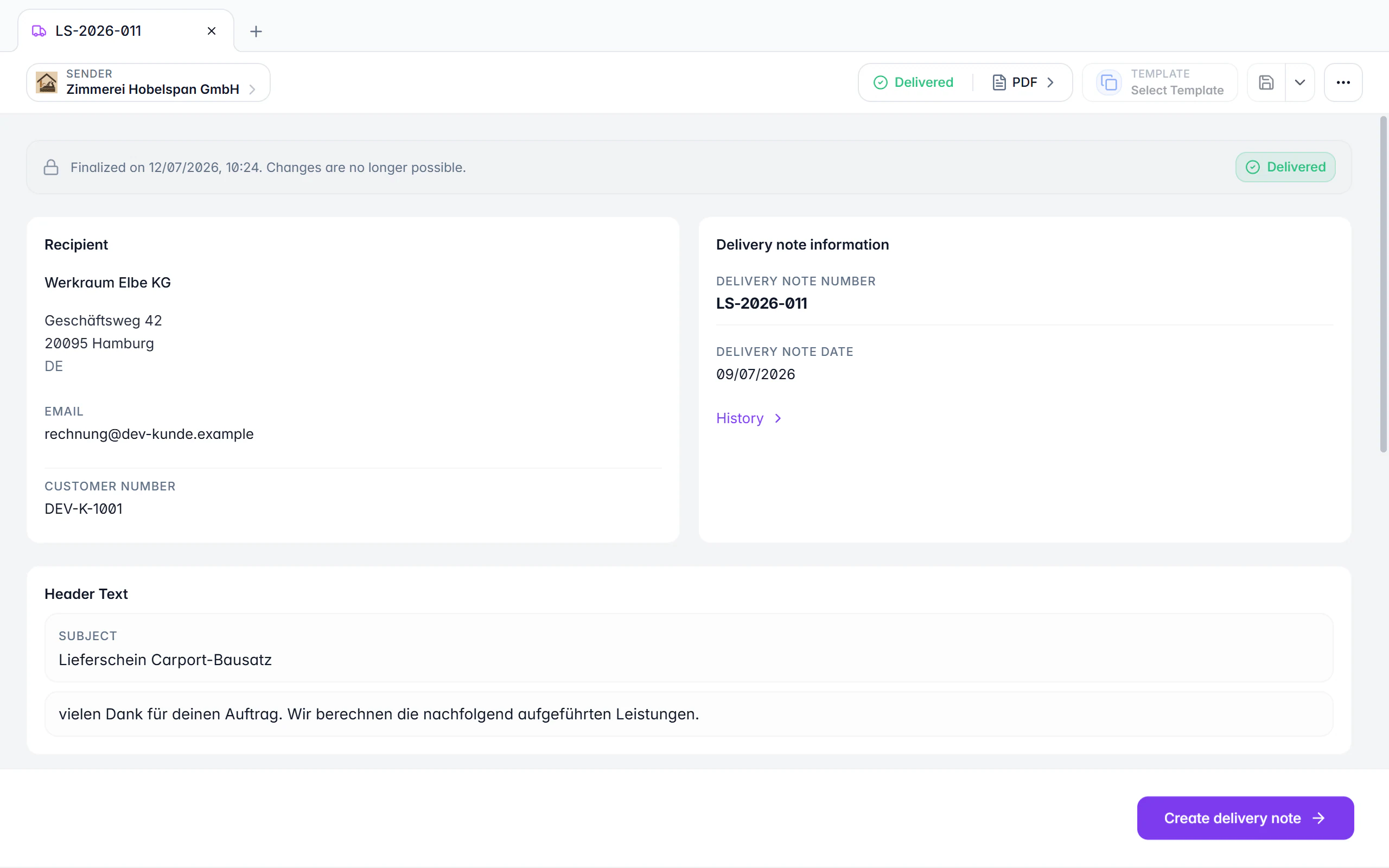
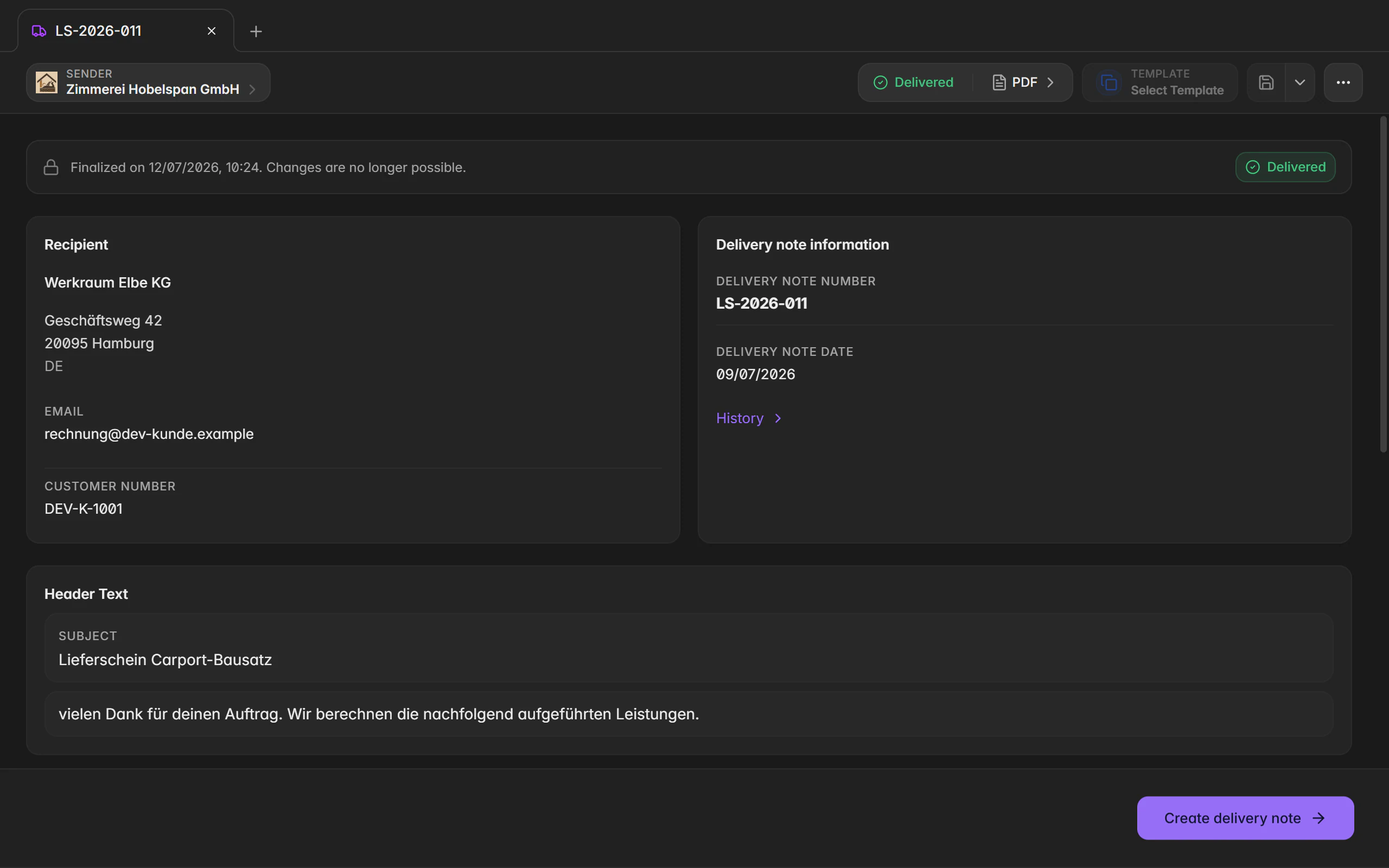
The order confirmation produces the delivery note with the line items carried over. Finalizing it requires a delivery date; a different delivery address is optional.
Document the delivery
Finalizing sets the delivery note to “sent”; from there, “delivered” and “cancelled” are available.
Invoice it
The invoice grows out of the order confirmation or the delivery note, with the same line items and the references to the preceding documents.
What both document types do
Dedicated number ranges
Confirmation and delivery note numbers run separately from each other and from invoices. Format and next number are set per range.
Delivery note without prices
The “show prices” switch controls unit prices and line totals, so the delivery note can go to the warehouse or the recipient without revealing your terms.
Different delivery address
Billing and delivery address may differ; the delivery address belongs to the delivery note and travels along when converting.
Dates and periods
The order confirmation knows an expected delivery date plus the start and end of the service period, the delivery note the actual delivery date.
Status paths per type
Order confirmation: sent, completed, cancelled. Delivery note: sent, delivered, cancelled. Each type gets the states that fit it.
Every chain, in both directions
Quote → order confirmation, delivery note or invoice; order confirmation → delivery note or invoice; delivery note → invoice; invoice → delivery note.
Own templates and text variables
Document, text and design templates are maintained per type, and text variables resolve per document type.
No silent duplicate
If an active successor of the same type already exists, Billance opens it instead of creating a second document.
On desktop and in the app
Both document types are fully supported in the desktop app and in the mobile app.
In the desktop app
You pick the type with New or the plus button in the document tab bar. Status, conversion and further actions live in the header menu and in the right-click menu of the document manager. Number ranges are edited under Settings → Number ranges.
In the mobile app
In the app you open Documents, tap the plus button and choose the type. Details are edited in cards and subpages, status and conversion are reached from the document’s actions or from the detail view. Number ranges live in the document settings.
Free or Premium
On the free plan
The free plan covers standard invoices and e-invoices. Order confirmations and delivery notes are advanced document types and are not included there.
With Billance Premium
Premium unlocks both types with number ranges, templates, status paths and every conversion, together with quotes, recurring invoices, credit notes, cancellations and payment reminders.
Frequently asked questions
Yes. The “show prices” switch hides unit prices and line totals. Tax and payment information are never printed on a delivery note anyway.
Read on
Step by step in the help centre
The help articles walk through the same workflow as step-by-step instructions, including all fields, buttons and special cases.
Ready for e‑invoices?
Start with Billance and create your first e-invoices in just a few minutes.