Templates
Document templates and text blocks
Everything you would type identically on every document belongs in a template: line items and defaults in the document template, salutation and closing in the text blocks, subject and message in the email template.
At a glance
- Document templates
- Separate per document type
- Text blocks
- Header and footer texts, bilingual
- One template per document type
- Plan
- System template free, own templates Premium
Three kinds of template
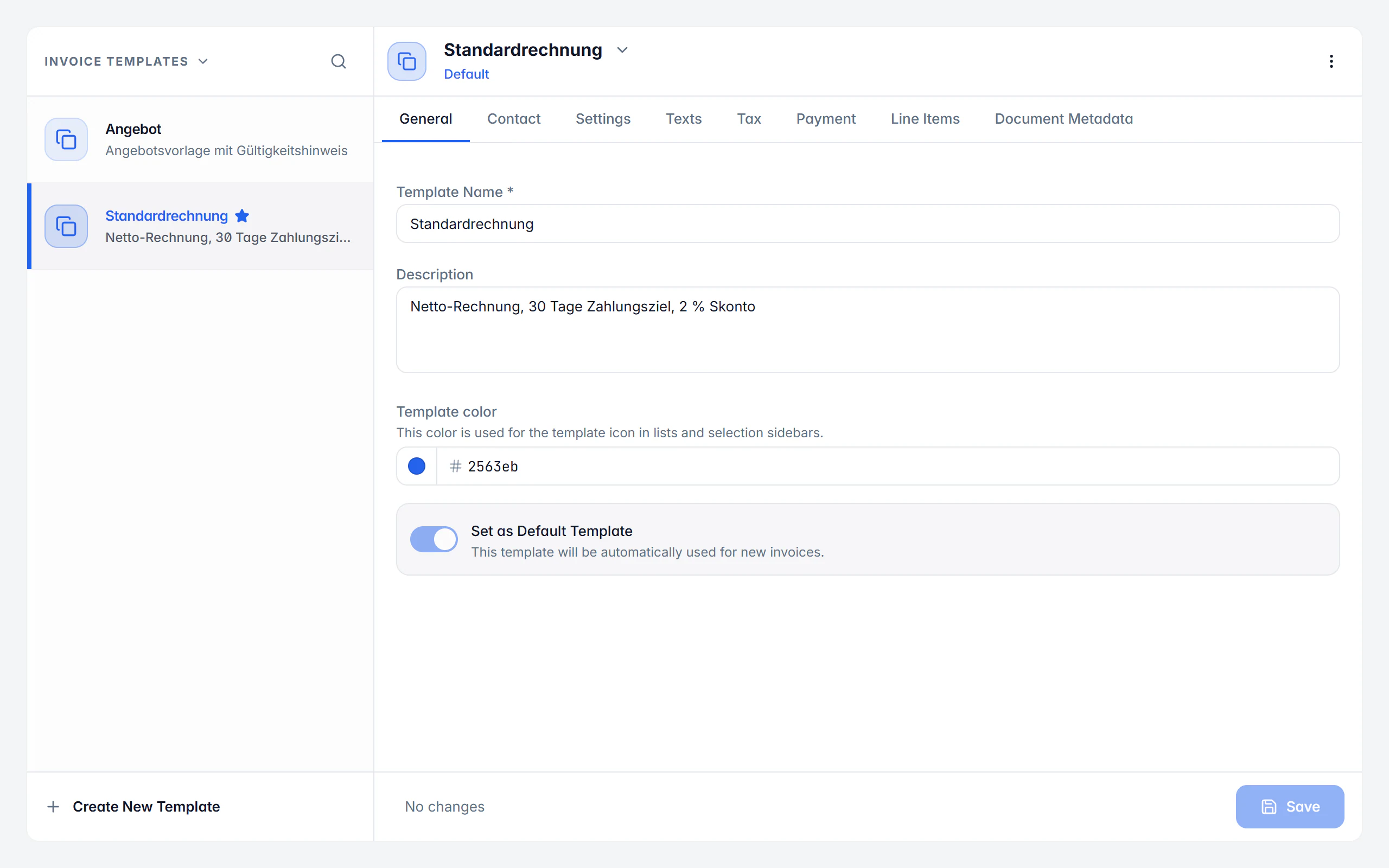
A document template stores the content and defaults of a document: recipient and internal contact, subject, introduction, closing text and text variables, line items, currency, price mode and date format, tax treatment and default tax rate, payment method, payment account, payment term, discount and payment conditions and — where the document type allows it — the e-invoice format, additional references and the assigned design template. Templates are maintained separately for invoices, quotes, order confirmations, delivery notes, credit notes and cancellations, recurring invoices and reminders.
Text blocks are reusable header and footer texts. The header text sits above the line items — a salutation or a reference to a quote — the footer text below it, for payment notes or a thank-you for the order. German is the mandatory basis of every block; if the English text is missing, Billance automatically uses the German one.
Each document type also has exactly one email template with a German and an English subject and message. Placeholders such as invoice number, invoice date and company name are replaced with the real values when sending, and a preview with sample data shows the result before you save.
Creating templates
Choose the document type
Templates are managed per document type — the choice decides which list and which fields you see.
Create the template
Start fresh or save a suitable draft as a template; system templates are the starting point.
Store the values
Set line items, texts, tax treatment, payment terms, output format and the assigned design template.
Set as default
Every document type can have its own default template, which Billance prefers for new documents of that type.
Use it while writing
New documents start with the stored values; text blocks are inserted right at the header or footer text field.
What templates store
Line items and prices
Recurring services, currency, price mode and date format are already set in the template.
Tax treatment and rate
Default tax rate and treatment belong to the template, so small business or reverse charge cases are not reconfigured every time.
Payment conditions
Payment method, payment account, payment term, discount and payment conditions are prepared.
Output format and references
Where the document type allows it, the template also stores the e-invoice format and additional references.
Design assigned
Every document template can carry a design template, so content and appearance fit together.
A default per type
Invoice, quote, delivery note and the other types each have their own default template.
Bilingual text blocks
Header and footer texts with German and optional English text; if English is missing, the German text is used automatically.
Email with placeholders
Subject and message with placeholders for invoice number, date and company name; Billance picks the language to match the document.
Deliberately plain text
The email message is handed over as plain text so it arrives reliably in every common mail client.
Header and footer texts that fit the document
Text blocks are maintained per document type but can be used across types: a block from another document type can still be inserted or copied into another type.
Header text above the line items
Salutation, a reference to a quote or a project — everything that should stand before the list of services.
Footer text below
Payment notes, a thank-you for the order or notes on warranty.
German as the basis
Every block needs a German text; the English one is optional and is replaced by the German text automatically when missing.
What does not belong in a text block
Legally required details belong in the fields provided by your company profile, not in a body of running text.
In an e-invoice, header and footer text additionally travel into the free-text fields of the structured record.
On desktop and in the app
Templates are synchronised through the shared data format; fields unknown to one platform are preserved when editing.
In the desktop app
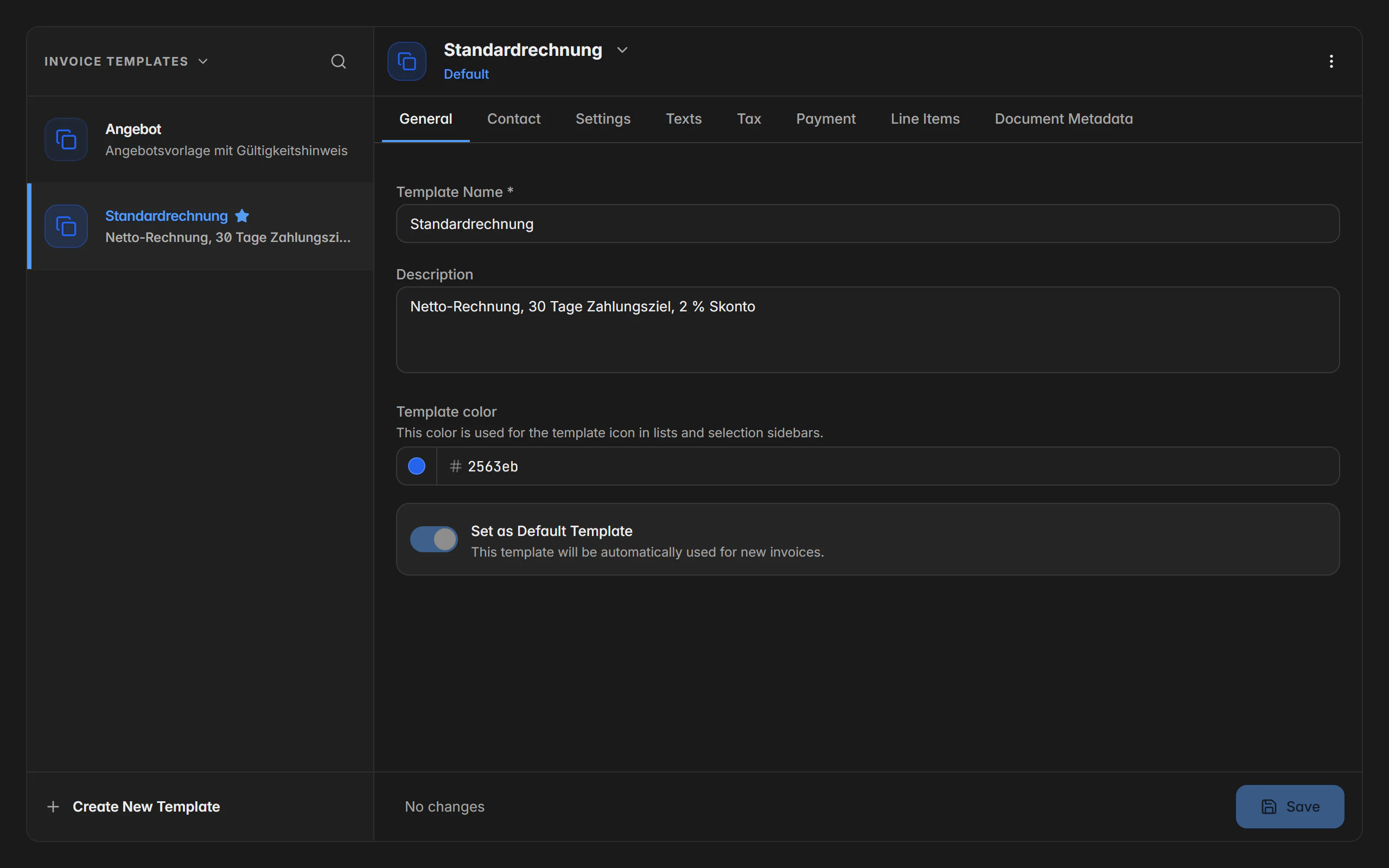
You choose the document type first; the page then shows the template list on the left and the detail area on the right. New template creates one, and the actions allow duplicating, setting as default, resetting, deleting and creating a document straight away. Central management of text blocks lives in the settings.
In the mobile app
In the app you open templates from the more menu and choose the document type first; a mobile template list then appears. A tap opens the full editor, the default marker and further actions sit on the row or in the action menu. “Document from template” carries the stored values into a new draft.
Free or Premium
On the free plan
The built-in system template can be used without Premium, so new documents start with sensible defaults.
With Billance Premium
Creating, duplicating, deleting, “save as template” and additional custom templates are Premium features, as are text blocks and customised email templates.
Existing templates stay saved after a downgrade.
Frequently asked questions about templates
A document template stores content and defaults — line items, tax treatment, payment terms, output format. A design template decides how the PDF looks. A document template can have a design template assigned so both fit together.
Read on
Step by step in the help centre
The help articles walk through the same workflow as an instruction – every field, every button, every special case.
Ready for e‑invoices?
Start with Billance and create your first e-invoices in just a few minutes.