Recurring billing
Automate recurring invoices
Maintenance contracts, subscriptions and monthly retainers are written once as a series. Billance turns it into ordinary invoices on a schedule, with the same line items, texts, tax and payment details and, if you want, straight as an e-invoice.
At a glance
- Intervals
- Daily to yearly
- Produces
- Ordinary invoice documents
- Control
- Active, paused, run now
- Plan
- Premium
What a recurring invoice is
A recurring invoice is not an invoice itself but a series. It describes once what gets billed each period, and at every due date Billance produces an ordinary invoice document from it, with its own number from the invoice number range.
The generated draft takes over the recipient, line items, header and footer text as well as the tax, payment, design and e-invoice settings of the series. Whether the children are finalized automatically and whether they are produced as e-invoices is decided in the series and then applies to every future run.
The series itself has its own number range and its own area in the document manager. There you see the next and last run, the active state and the invoices already produced, so a series never keeps running unnoticed and never quietly stalls.
Setting up a series
Define the content
Enter recipient, line items, texts, tax treatment, payment method and design as you would for a normal invoice. This content is reused in every generated invoice.
Set the schedule
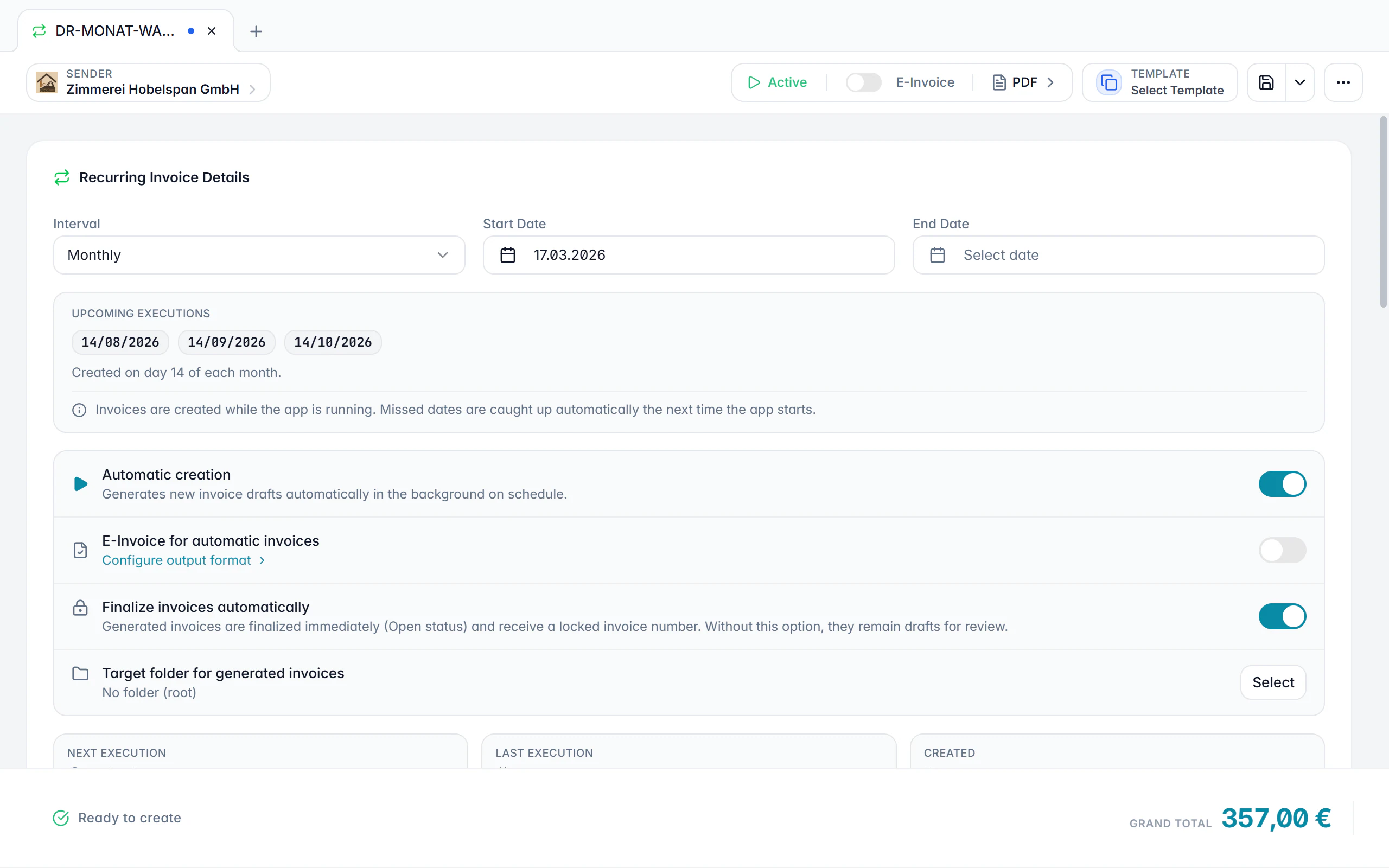
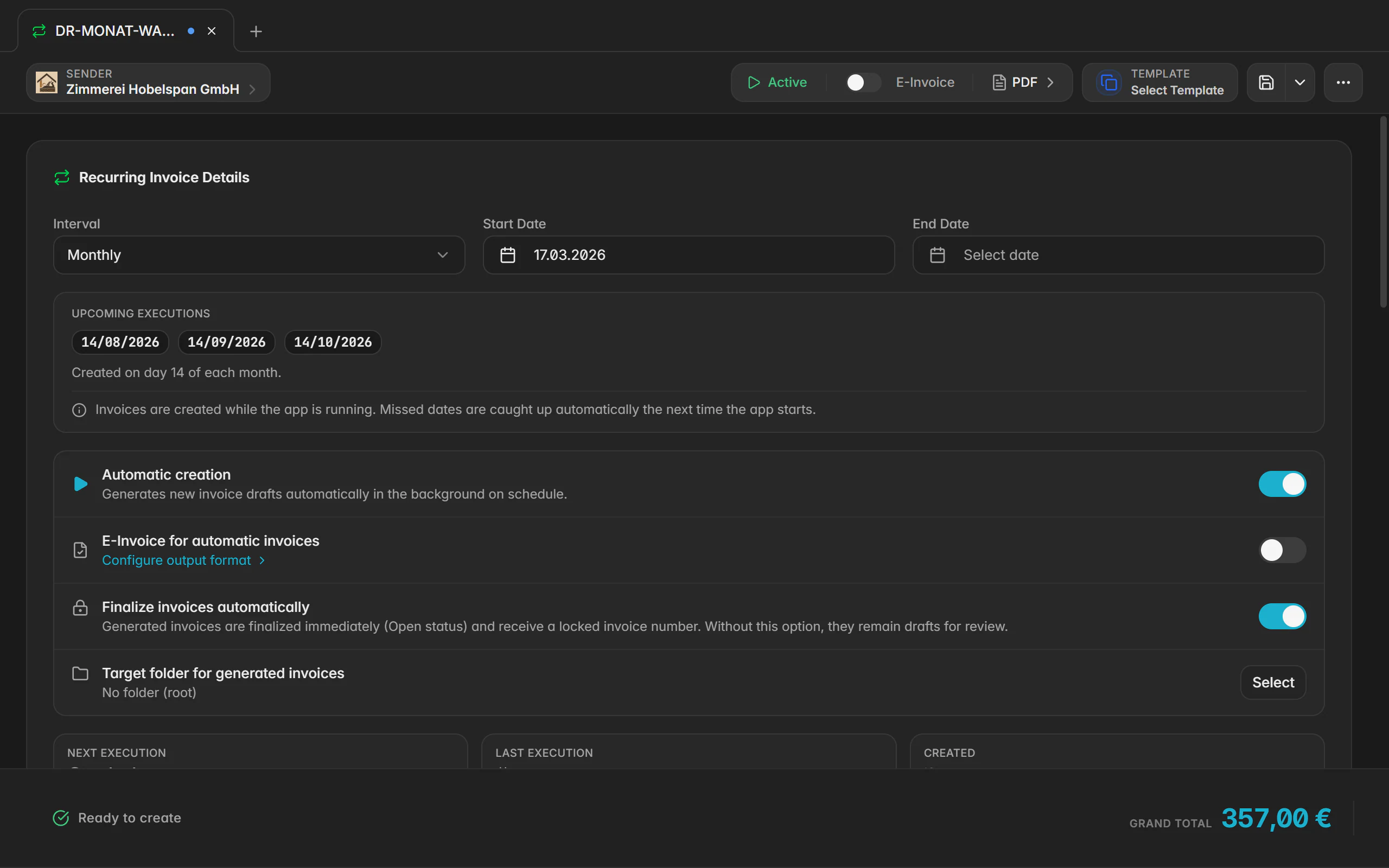
Define start, interval, term or end condition and the next run. The overview shows when the next invoice will be created.
Choose the output
Decide whether the generated invoices should be produced as e-invoices and whether they should be finalized automatically.
Let it run
Active series are processed at the scheduled check. At the due date a new invoice appears, and a notification reports the run.
Steer and catch up
Pause, reactivate or run now. After a longer break you decide which missed dates should be caught up.
What the recurring series does
Flexible intervals
From daily through weekly and monthly to yearly, with a start date, an optional end and a next run you can set freely.
Finalize automatically
Generated invoices can stay as drafts for review or be finalized right away, so number and file exist without another click.
E-invoices for every run
The series’ e-invoice setting applies to all children: ZUGFeRD, XRechnung or a plain PDF. What you choose once applies to every invoice in the series.
Pause instead of delete
A series can be paused and reactivated later without losing its content or history.
Run now
A manual run starts the same process out of turn, for instance for an interim billing.
Missed dates under control
After a longer break Billance asks which open periods should be caught up instead of silently producing a stack of invoices.
Traceable children
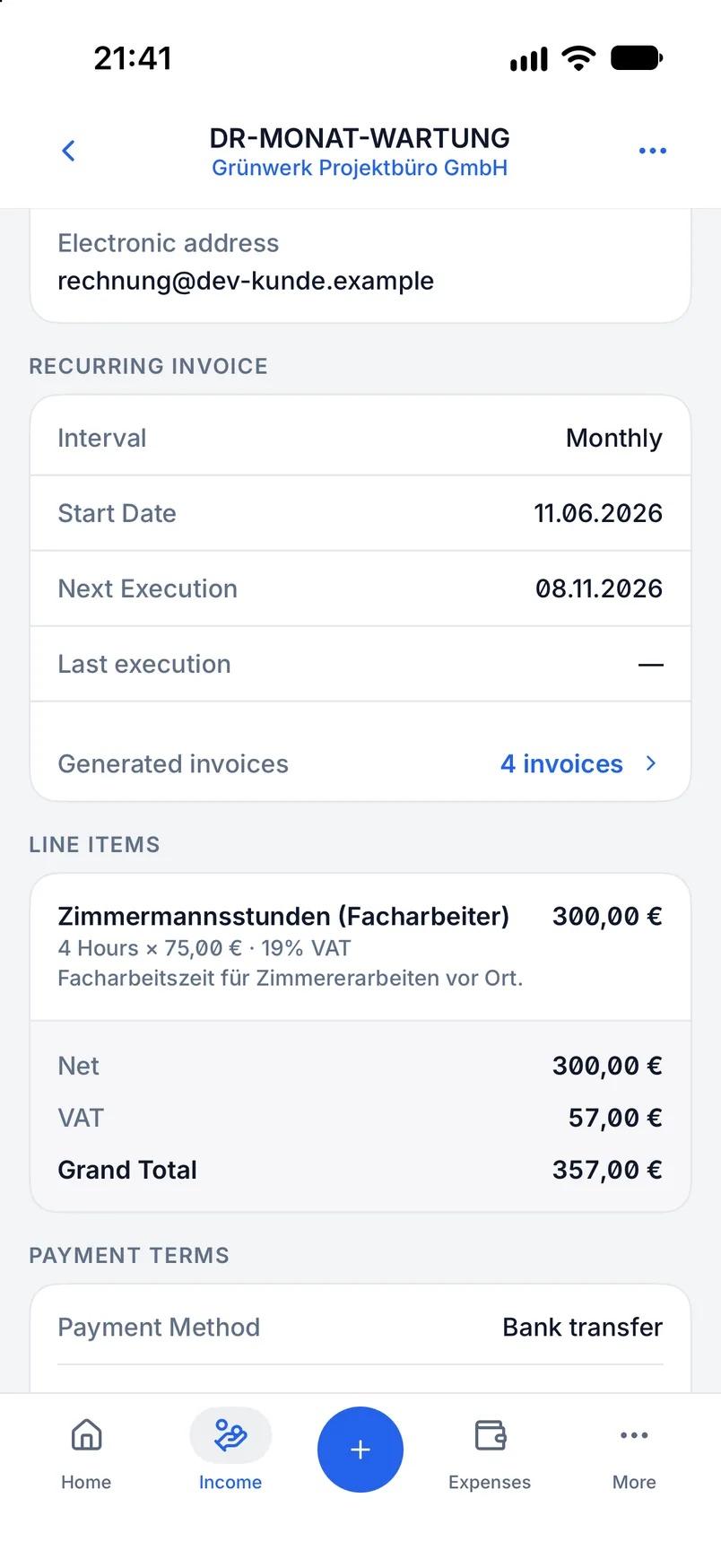
The overview shows the next and last run as well as the invoices produced, so series and children stay connected.
Dedicated templates
Recurring invoices have their own document, text and design templates plus their own number range for the series.
On desktop and in the app
Series are created, steered and executed on both platforms.
In the desktop app
In the desktop app, Recurring invoices is its own area of the document manager. New series are created with New or from the tab bar; activate, pause and run now live in the context menu and in the series editor.
In the mobile app
In the app you switch to the Recurring invoices area inside Documents and create a series with the plus button. Schedule and invoice content are edited in subpages; activate, pause and run now live in the action menu.
Free or Premium
On the free plan
Individual invoices are free forever. Recurring invoices are one of the advanced document types and are not part of the free plan.
With Billance Premium
Premium unlocks series with a schedule, automatic generation, automatic finalization and e-invoice output.
After a downgrade, series and invoices already produced are kept; automatic runs are paused and resume after an upgrade.
Frequently asked questions about recurring invoices
Billance produces the invoice at the due date and can finalize it automatically if you want. You send it yourself, so you can check the document before it reaches the customer.
Read on
Step by step in the help centre
The help articles walk through the same workflow as step-by-step instructions, including all fields, buttons and special cases.
Ready for e‑invoices?
Start with Billance and create your first e-invoices in just a few minutes.