Accounting
DATEV export for your tax firm
At the end of the month a batch goes to the tax firm. It is not a pile of photos but a posting batch with accounts, tax cases and, if you want, the original documents in the same package.
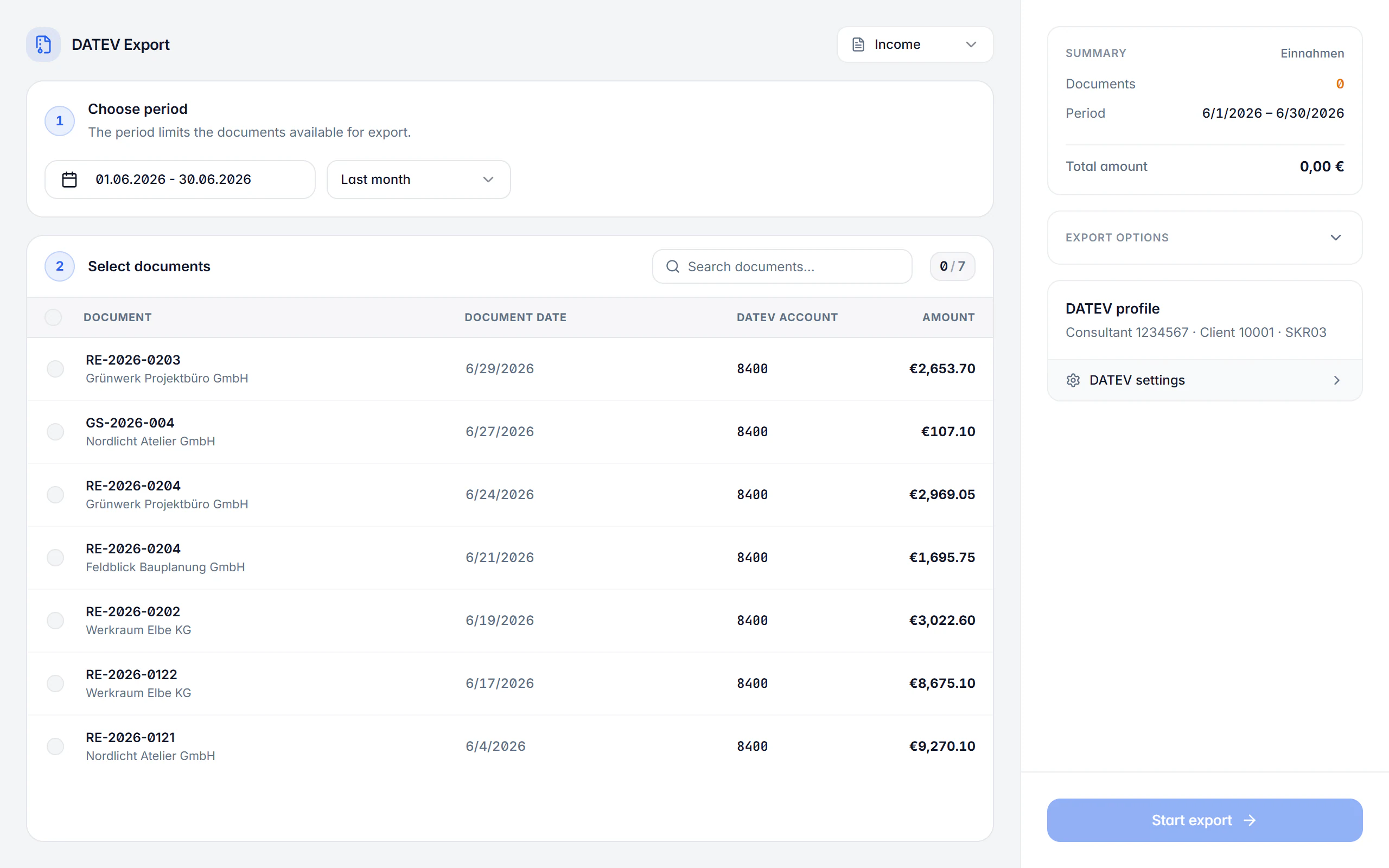
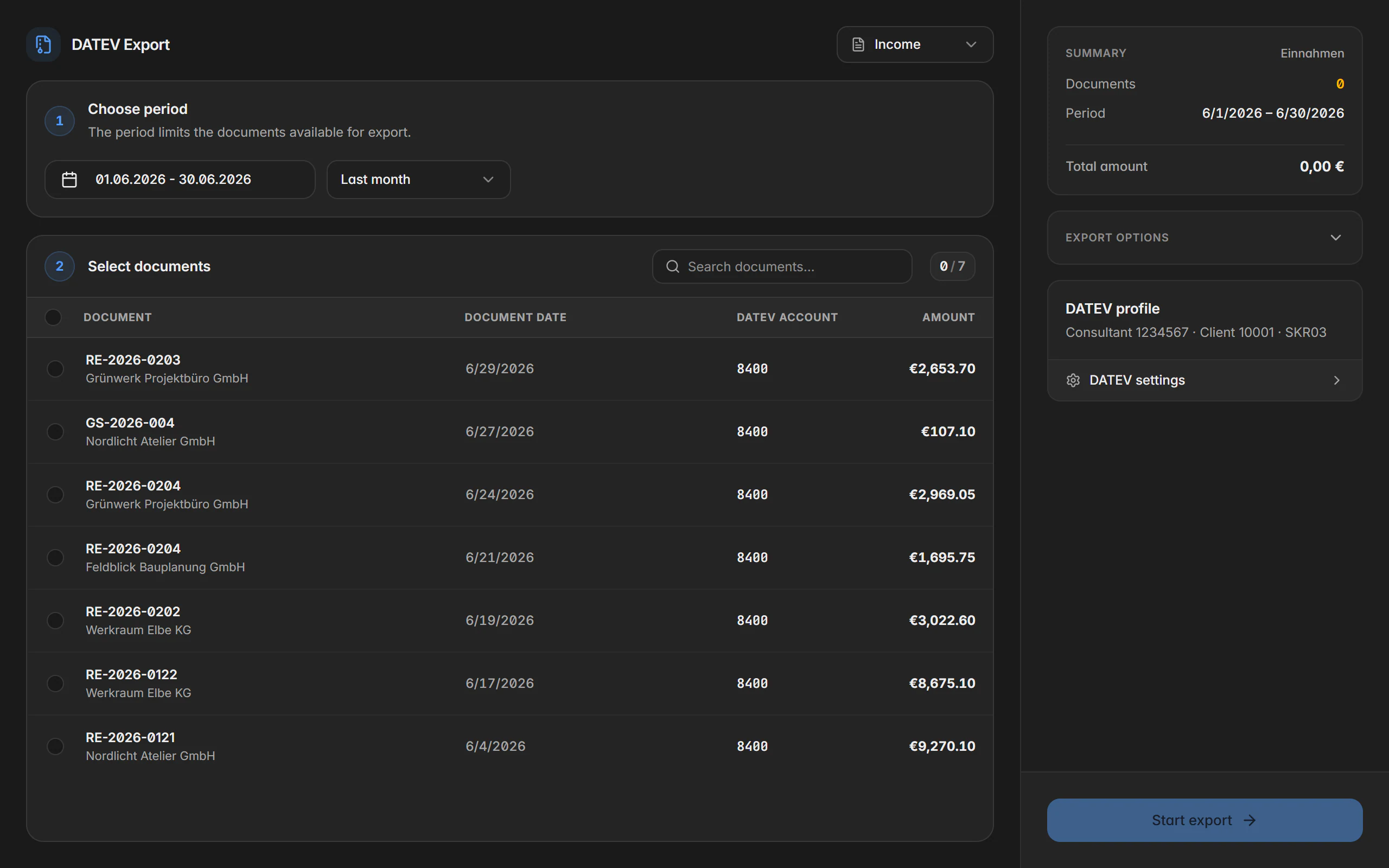
At a glance
- Result
- DATEV-compatible posting batch
- Receipt images
- Optional as a ZIP package
- Source
- Receipt, category and supplier data
- Plan
- Premium
What the DATEV export produces
The expense export builds a posting batch from the selected receipts. It carries over the receipt date, receipt number, amount, expense account, creditor account, tax case, due date, discount and service period. These details come from the receipt itself, from the category, from the supplier and from your DATEV settings.
For that to work, the categories in use need a DATEV expense account and the company profile needs a financial account. If an expense account is missing or amounts or tax data are incomplete, Billance blocks the export rather than producing a file that has to be reworked at the tax firm.
Before generating it you see what you are dealing with: posting count, accounts used, total, warnings and blocking notes. Tax cases that cannot be mapped by default are flagged as a warning and want a professional review before the batch reaches the firm.
How an export runs
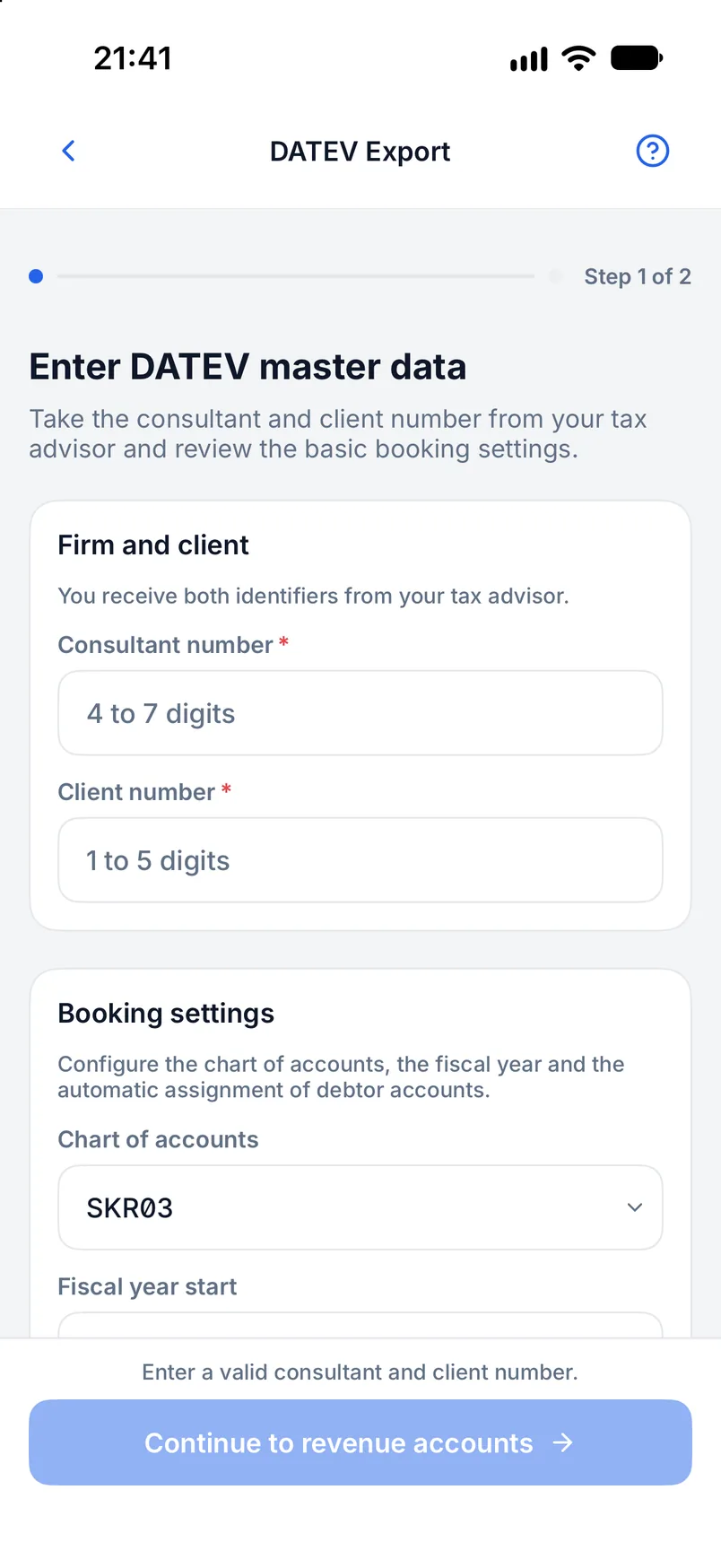
Complete the master data
Store the DATEV master data and the financial account in the company profile, including adviser and client number.
Maintain accounts on the categories
Every receipt category in use gets its DATEV expense account; that is where the export takes the posting from.
Choose period and receipts
Set the accounting period and select the receipts that should go into the batch.
Check the preview
Go through posting count, accounts, total, warnings and blocking notes and resolve open points on the receipt.
Export and hand over
The batch is saved; optionally as a ZIP package together with the original documents. Check the import in the target software.
What the export brings
A posting batch, not a pile of receipts
Receipt date and number, amount, expense and creditor account, tax case, due date, discount and service period sit structured in the file.
Accounts from the categories
The DATEV expense account hangs on the receipt category, so a category maintained once posts every further receipt correctly.
Original documents optional
Receipt images and files can be included in the export; the result is then a ZIP package instead of a single file.
Validation before generating
Posting count, accounts, total, warnings and blocking notes are shown in the preview before you export.
Blocking errors instead of silent gaps
A missing expense account, invalid amounts or incomplete tax data prevent the export.
Warnings for special cases
Tax cases that cannot be mapped by default are flagged and want a professional review.
Free choice of period
Month, quarter or a custom period; which receipts go in stays your decision.
Consistent with the VAT overview
Both areas work from the same receipt data, so overview and export cannot drift apart.
On desktop and in the app
The export is available on both platforms.
In the desktop app
You open the DATEV export from the expense area or from the DATEV settings. The result is saved as a DATEV-compatible batch, or as a ZIP package if documents are included.
In the mobile app
In the app you open the DATEV export, switch to expenses, choose period and receipts and start the export. The result is saved or shared through the device’s file dialog.
Free or Premium
On the free plan
The DATEV export is not part of the free plan.
With Billance Premium
Premium unlocks the posting batch, the receipt export and the validation preview.
The generated data supports your bookkeeping but replaces neither bookkeeping itself nor a tax review or advice.
Frequently asked questions about the DATEV export
A DATEV-compatible posting batch built from the selected receipts. On request the original documents sit in the same ZIP package, so posting and receipt arrive together.
Read on
Step by step in the help centre
The help articles walk through the same workflow as step-by-step instructions, including all fields, buttons and special cases.
Ready for e‑invoices?
Start with Billance and create your first e-invoices in just a few minutes.