Dunning
Create payment reminders and dunning letters
A reminder in Billance does not start from an empty template but from the open invoice. Source invoice, original due date, outstanding amount and payments already recorded are therefore correct from the start. You decide on level, fee and the new deadline.
At a glance
- Levels
- Reminder plus three dunning levels
- Basis
- Outstanding amount after payments
- Link
- Document chain to the invoice
- Plan
- Premium
How dunning works in Billance
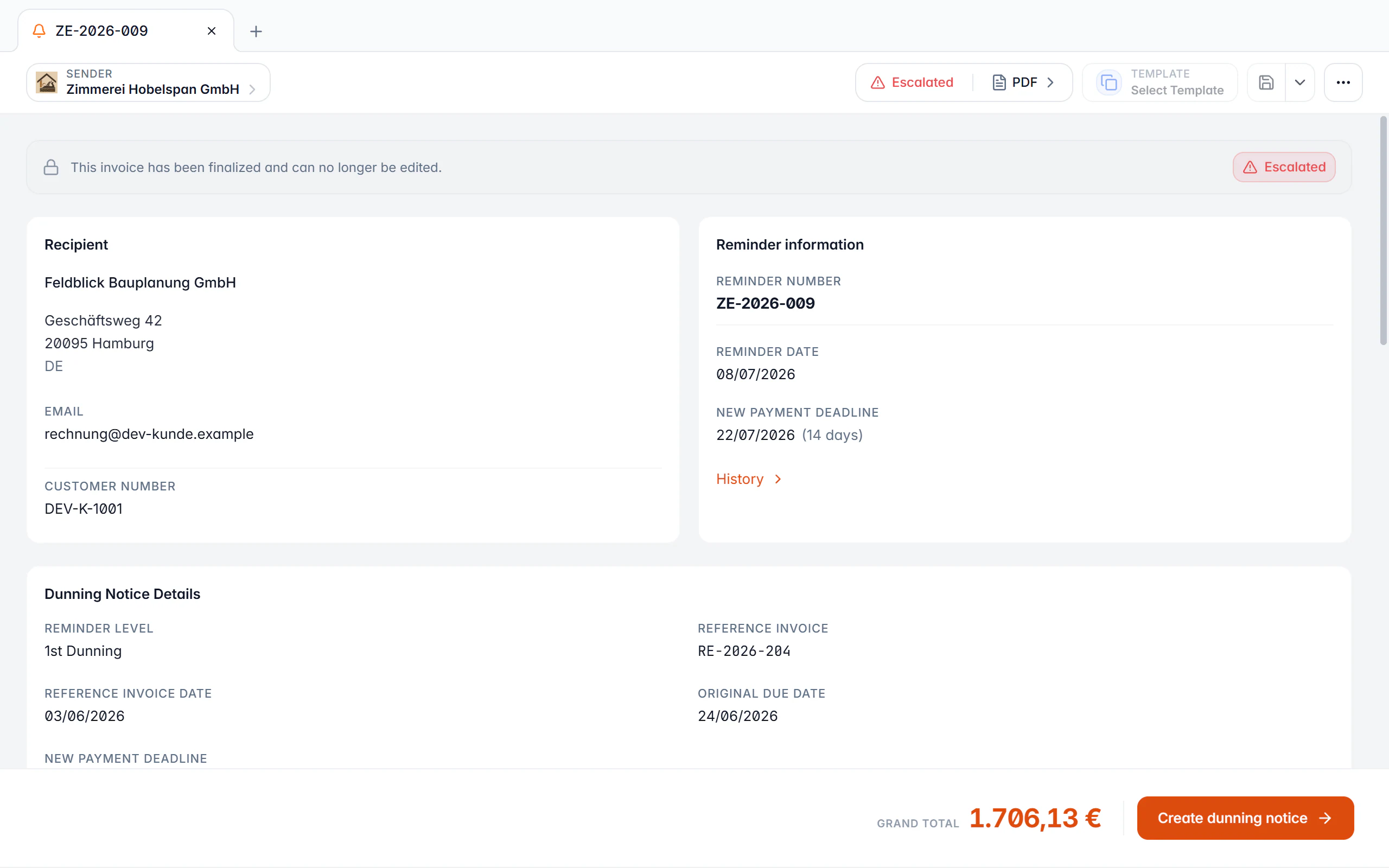
Every reminder is created from a finalized, still open invoice. It takes over the source invoice, the original due date, the outstanding amount and the payments already recorded. The figure in question therefore does not sit in a free-text field but follows from the actual payment state.
Billance knows four levels: a friendly payment reminder plus the first, second and third dunning level. For each level you set a new payment deadline, a fee and the matching text; the generated PDF carries the name of the current level.
The history stays visible. Only when you finalize the next level is the previous reminder marked as escalated. A discarded draft leaves the source untouched. Invoice and all reminders stay linked through the document chain, so it remains traceable later what was sent when.
From an overdue invoice to a reminder
Find the overdue invoice
The document overview and the dashboard show open and overdue amounts. The payment state of an invoice decides whether it can be dunned at all.
Create the reminder
The action starts on the invoice. Reference, original due date and outstanding amount carry over, with payments already deducted.
Check level, fee and deadline
Level, fee and the new payment deadline can be adjusted; the defaults stored per level are prefilled.
Finalize
The reminder takes its number from the reminder number range and is produced as a PDF. The draft can be saved as often as you like beforehand.
Follow up
If the payment arrives, you mark the reminder as paid. Otherwise you create the next level, and the previous one then counts as escalated.
What the dunning workflow does
Four levels with their own texts
Payment reminder plus first, second and third dunning level, each with its own text, deadline and fee.
Fees per level
Fees can be stored as a fixed amount or a percentage and accumulated across levels.
Payments are deducted
Recorded partial payments reduce the outstanding amount in the connected reminders too, so you only dun what is actually open.
A new payment deadline
Every level sets a new deadline. Expired deadlines are shown so the next step does not slip through.
Default interest rate
A default rate for late-payment interest can be prepared and shown on the document.
Its own number range
Reminders run in their own number range with their own format, separate from invoices and the other document types.
Escalation only on finalization
A discarded draft changes nothing. Only the finalized next level marks the previous reminder as escalated.
Your own defaults
Texts, deadlines and fees per level are stored once in the reminder settings and suggested for every new reminder.
On desktop and in the app
Reminders are created on both platforms from the same source and with the same levels.
In the desktop app
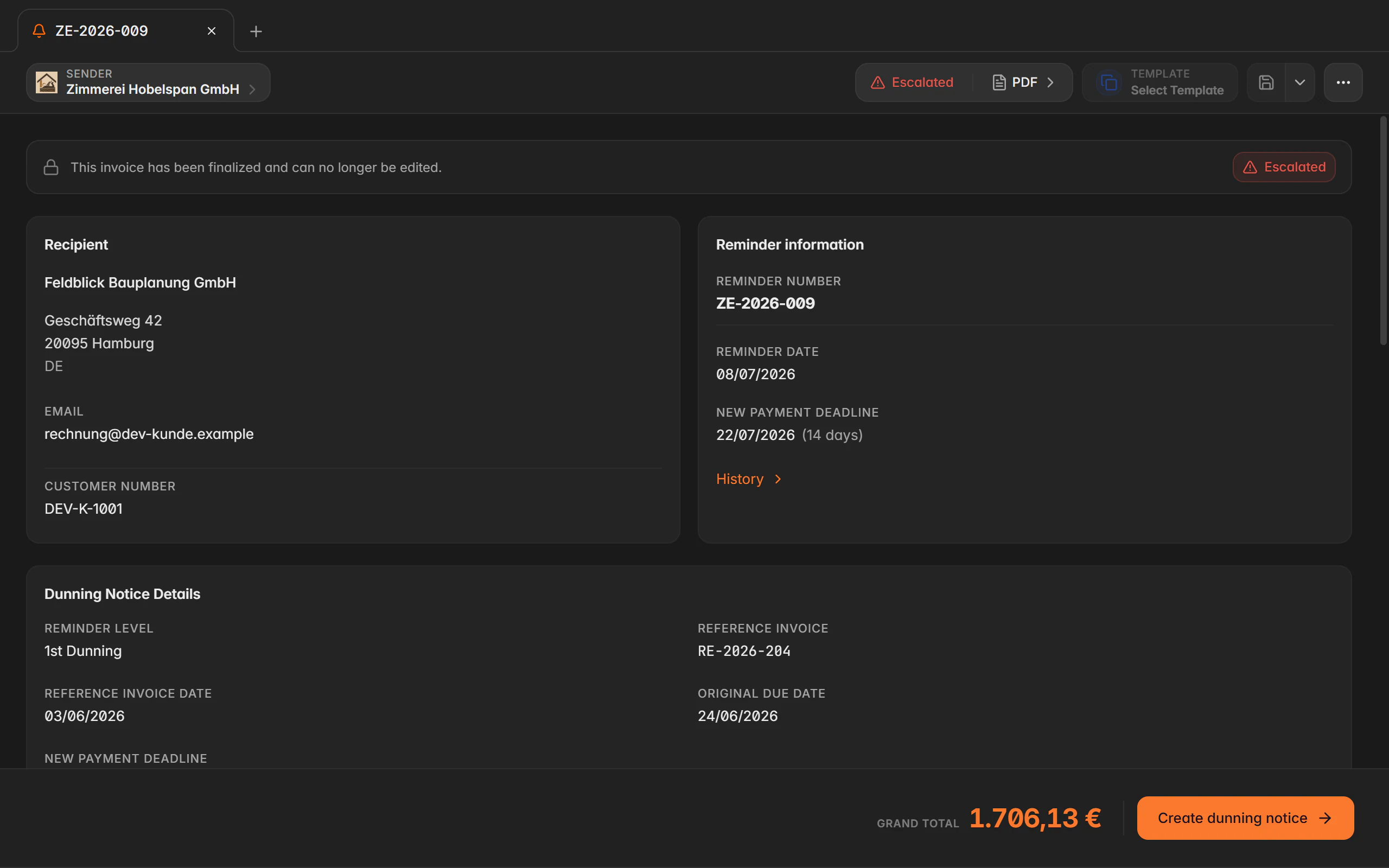
Creation and the next level are reached from the action menu of the opened invoice or from the right-click menu in the document manager. The draft opens in a new tab, and the reminder list shows level, new deadline and claim in dedicated columns.
In the mobile app
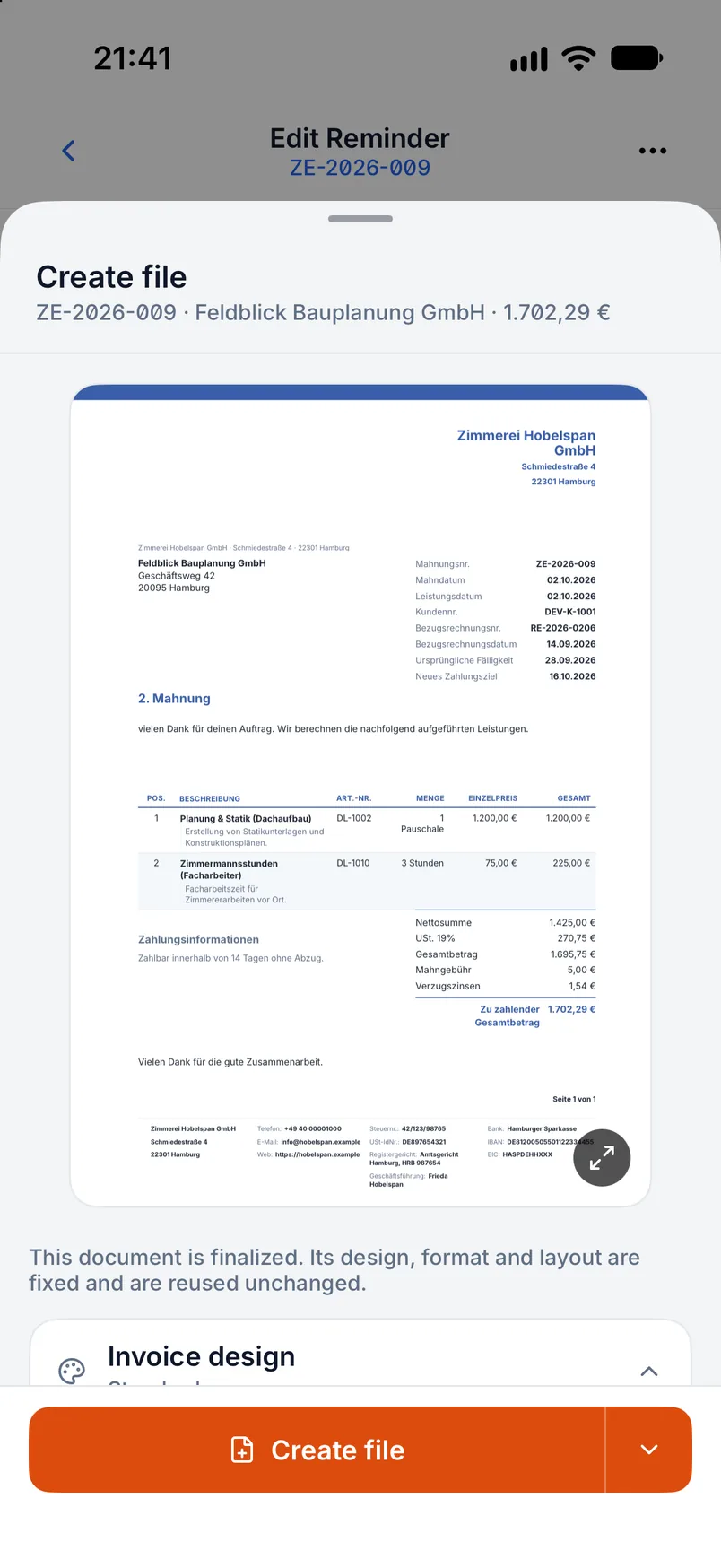
In the app, creation and the next level live in the action menu of the document detail view. The mobile editor shows reference data, fee and the new deadline on their own cards.
Free or Premium
On the free plan
Invoices and their payment state are maintained on the free plan too. Reminders are an advanced document type and are not included there.
With Billance Premium
Premium unlocks the reminder workflow with all levels, fees, deadlines and its own number range.
Frequently asked questions about reminders
That depends on the contract, on when default occurred and on the specific legal relationship. Billance supports the workflow with levels, deadlines and fee fields but does not judge whether timing, fee and wording are permitted in your case.
Read on
Step by step in the help centre
The help articles walk through the same workflow as step-by-step instructions, including all fields, buttons and special cases.
Ready for e‑invoices?
Start with Billance and create your first e-invoices in just a few minutes.